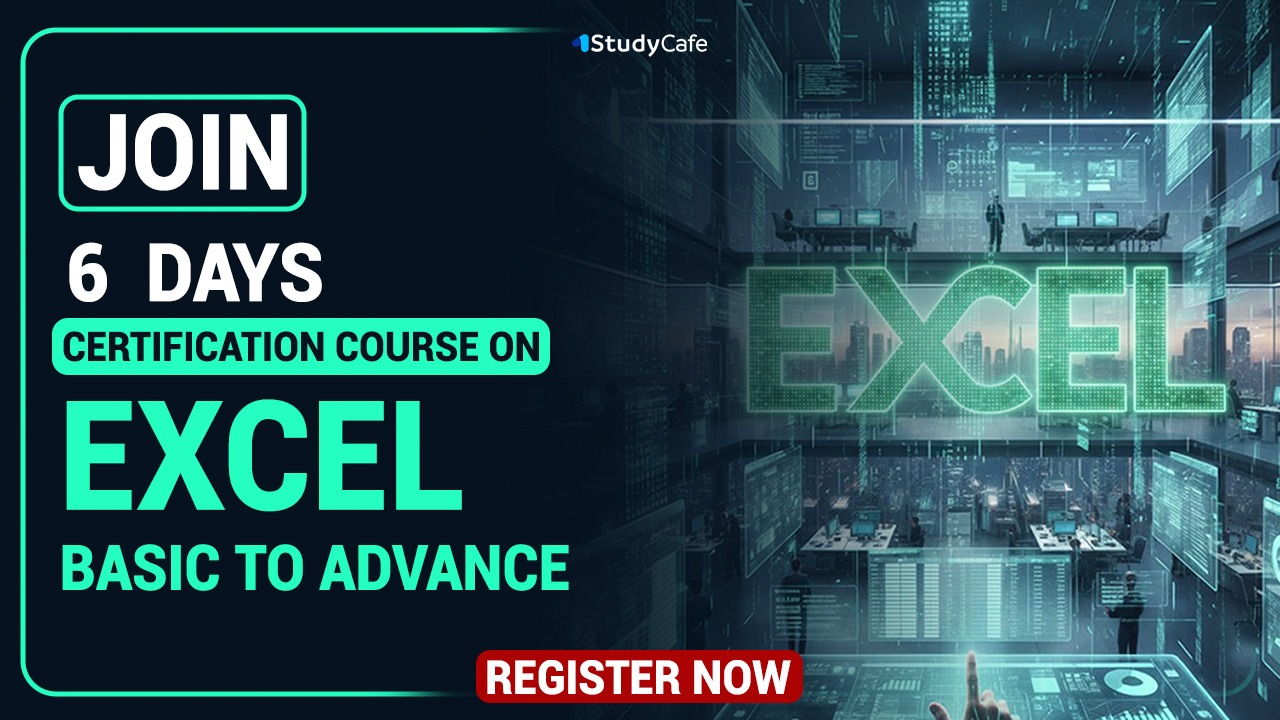


This course includes:
 Hindi, English
 12+ Hours of Video Content
 Recording is Available for 60 Days
 Studycafe Certificate of Completion
 Access on mobile or Computer/Laptop
Course Key Features

Master Microsoft Excel from Beginner to Advanced
Learn the most common Excel functions used in the Office
Wow your boss by unlocking dynamic formulas with IF, XLOOKUP, VLOOKUP, INDEX, MATCH functions and many more
Create dynamic reports by mastering one of the most popular tools, PivotTables
Master unique tips, tools and case studies that you won't find in ANY other course, guaranteed
Become Master in using Advance Features Like Slicer, Flashfill, Sparkline charts
How to Import Data from Web, Tally ODBC Server
How to Record Macro and how VBA Works
Course Description
Microsoft Excel Basic to Advance Certification Course for 6 Days
In our continuous endeavor to empower more and more finance professionals, this Microsoft Excel certification course has been designed for you. Detailed 6 Days course has been designed where daily more than 2 hrs sessions have been organized. This Course contains Videos along with study material, Excel Files. Live training on Excel will be given.
How I will get the course: This is an online Excel Certification course so there will not be any physical delivery of the lectures. After the purchase of the Excel Certification course you can see the Excel Certification course under my account option under purchased courses. All the videos, study materials, PDF files, PPT’s, excel files will be uploaded there for quick access of participants. This Excel Certification course is valid for 60 Days.
Who is Eligible to Join Excel Certification Course:There is no bound on the eligibility from our side for Excel Certification Course. Any person who want to learn and master in Excel can join this course. However, it will be more beneficial for the below-mentioned persons: ⭐Commerce Graduates/CA/CS/CMA/Law students ⭐Tax professionals whether in JOB or Practice ⭐Qualified CA/CS/CMA/LLB ⭐Semi-qualified CA/CS/CMA working in CA Firms or in Industry ⭐Any other person not covered above can join course if interested.
Course Duration: The course duration is around 12+ hours.
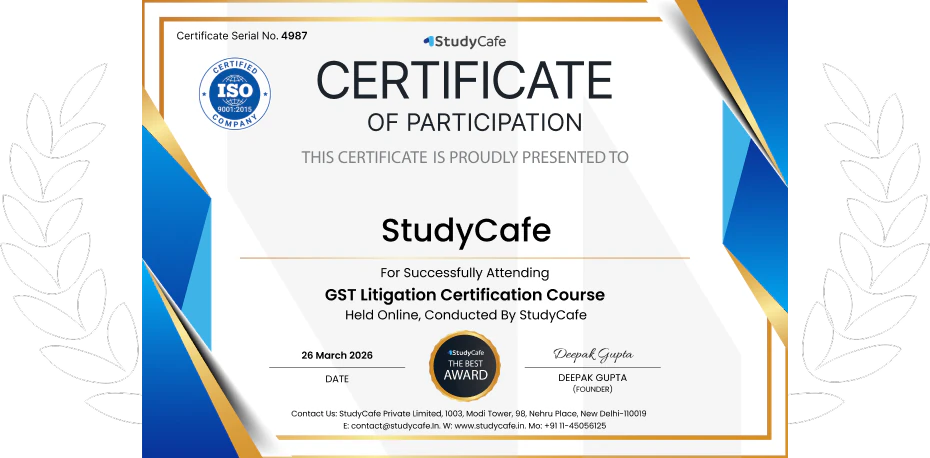
Certificate: A Certificate of Participation from Studycafe will be provided on completion of the Excel Certification course.
Views Limitation: This is a Completely online course, no bar on the number of views. During 60 days you can access this Excel Certification course from anywhere at any time with unlimited views.
Course Content
Certificate
Certificate to be provided to all the participants.
Testimonials




Our Alumni at Leading Companies










About Authors

CA Deepak Gupta
Co founder
FAQ's
Featured In






Terms & Conditions
- Recording will be Valid for 60 Days Only.
- At one Time Lecture can be seen Either on Mobile or Desktop.
Requirements
- Required internet connection. Lectures can be viewed on Mobile or Laptop
Gallery




Trending Courses

Certification Course on Tally With AI

Join Studycafe Ultimate Membership Plan
Certification Course on Practical Filing of Income Tax Returns
Certification Course on Changes made in ITR forms

Certification Course on Prompt Engineering for Finance Professionals
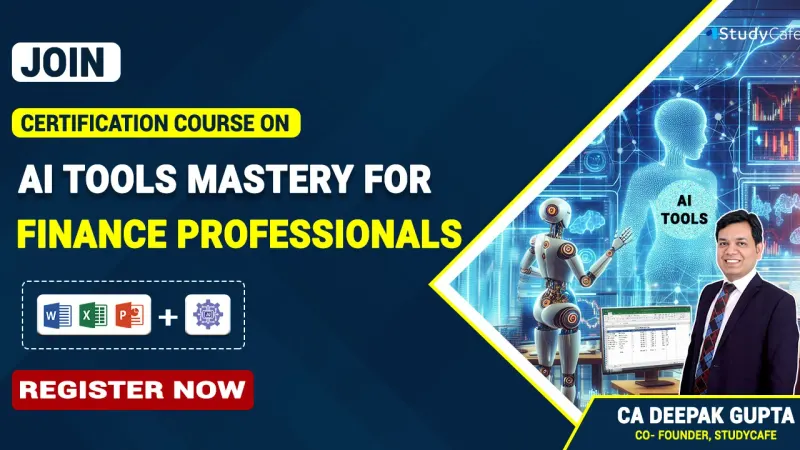
Certification Course on AI Tools Mastery for Finance Professionals
Certification Course on Tally With AI
Join Studycafe Ultimate Membership Plan
Certification Course on Practical Filing of Income Tax Returns
Certification Course on Changes made in ITR forms
Certification Course on Prompt Engineering for Finance Professionals