ITR Filing 2025: Guide on How to Use E-Pay For Clearing Your Tax Dues:
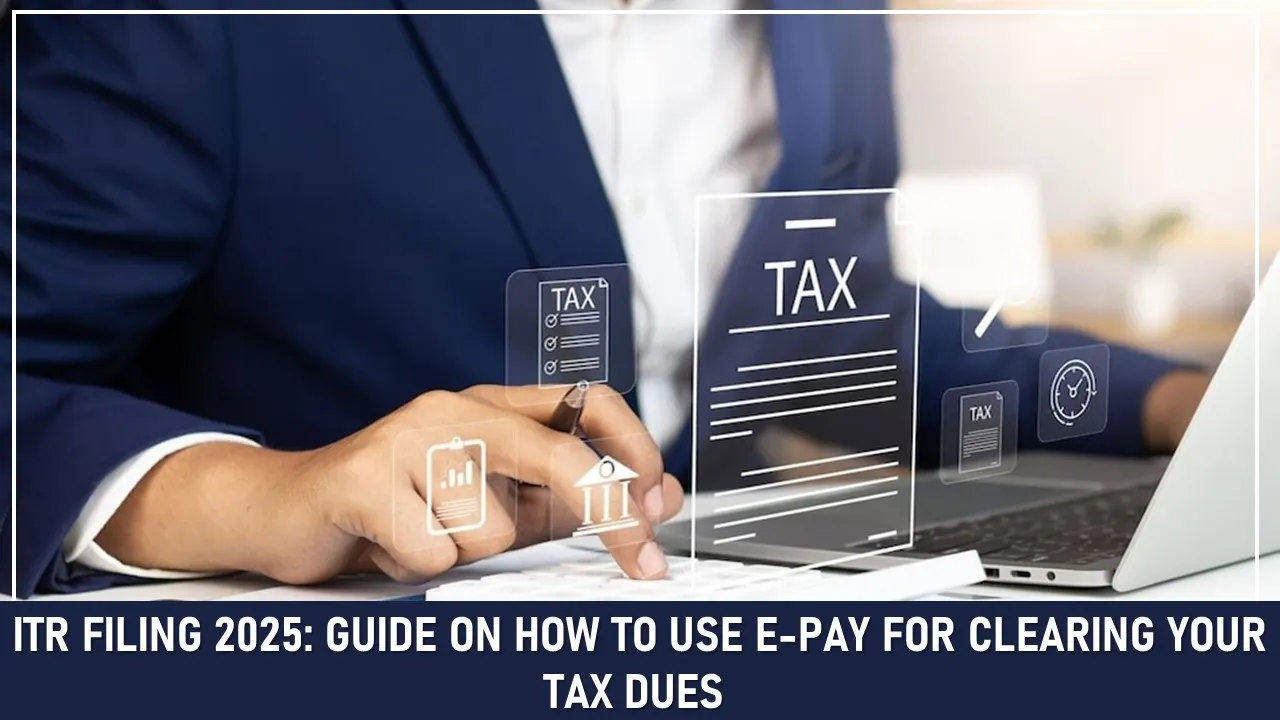
As the ITR season kicks in, paying your outstanding taxes before filing your return becomes very important to avoid any penalties or fines.
How to Use E-Pay For Clearing Your Tax Dues?
 Nidhi
Nidhi Apr 22, 2025
Table of Contents

ITR Filing 2025: Guide on How to Use E-Pay For Clearing Your Tax Dues
The Income Tax Return Filing for Assessment Year 2025-26 is already here, Taxpayers are getting ready to submit their return and meet the deadlines. One of the important steps of this process is to pay any outstanding taxes, and to make the process simple, the Income Tax Department has enhanced its e-pay Tax feature on the official portal.
Paying your outstanding taxes before filing your return is very important, even if you are an individual, a small business owner, salaried individual. Here is how to use the e-pay tax facility on the income tax e-filing (https://www.incometax.gov.in)
Step-By-Step Guide To Use E-Pay Tax Feature
For Registered Users
1. Log in to the Income Tax e-filing portal. 2. Navigate to the ‘e-File’ tab and click on ‘e-Pay Tax’. 3. Tap on the ‘New Payment’ option and select the applicable assessment year (2025-26). 4. Choose the nature of payment, i.e., self-assessment, advance tax, or others. 5. Submit your required details, such as PAN, address, and tax breakup. 6. Select the mode of payment that you prefer (net banking, debit card, UPI, NEFT/RTGS, or payment gateway) 7. Check your details again and then click on the submit button. 8. After the transaction is done successfully, print the challan receipt for your future records.For Unregistered Persons
If you are not registered on the portal, you can still access e-pay through these steps: 1. Go to the homepage of the income tax portal. 2. Under the Quick Links section, tap on ‘e-Pay Tax’. 3. Fill in your PAN and mobile number through which you will get an OTP for verification. 4. Choose the assessment year, payment type, and fill in the necessary tax details. 5. Select the payment method and complete the transaction. 6. Print the challan receipt for future reference.When is it Necessary to Use E-Pay Tax?
Taxpayers should use the e-pay feature in the following cases:- To pay the regular assessment tax if you got a notice from the Income Tax Department
- To deposit TDS/TCS payments as a deductor
- To clear the self-assessment tax after calculating your final liability
- To pay advance tax
- To pay any penalties, interest, or fees
Important Things To Keep In Mind
- Cross-verify your submitted PAN details, tax head, and assessment year before payment
- If you’re using UPI or payment gateways as a mode of payment, keep a screenshot or confirmation email for your records.
- Always download and save the challan after payment. You will require the BSR code and Challan Serial Number at the time of filing your ITR.
- Make sure you have enough balance in your bank account.
About Author


Nidhi
Content Writer
Nidhi is a skilled content writer specializing in personal finance. She creates clear, engaging articles on mutual funds, investments, insurance, and wealth-building strategies. With a passion for simplifying complex financial topics, Nidhi helps readers make informed money decisions with confidence. She can be reached at [email protected]
Nidhi is a skilled content writer specializing in personal finance. She creates clear, engaging articles on mutual funds, investments, insurance, and wealth-building strategies. With a passion for simplifying complex financial topics, Nidhi helps readers make informed money decisions with confidence. She can be reached at [email protected]
 Studycafe
 New Delhi, Delhi, India
 1832
1832My Recent Articles
- Karnataka High Court Gives Another Chance in GST Matter Due to Lack of Hearing
- Delay Should Be Condoned if Explanation is Unrefuted: ITAT
- Non-Service of Income Tax Notice, Ill health of taxpayer, ITAT condones Appeal filing delay
- Books of Accounts Cannot be Rejected Without Any Specific Defect: ITAT Kolkata
- Karnataka High Court Sends ITC Matter Back to GST Authorities for Reconsideration
Up Next
Loading suggestions…


Recent Posts

All Posts


Tags
No tags yet.
Recent Posts
All Posts
Tags
No tags yet.