Issues reported in filing Form GSTR 9C by the taxpayers
Issues reported in filing Form GSTR 9C by the taxpayers: Steps to be taken Taxpayers have reported some issues in filing their Form for GST
 CA Deepak Gupta
 Jun 29, 2019
Issues reported in filing Form GSTR 9C by the taxpayers: Steps to be taken
Taxpayers have reported some issues in filing their Form for GST Audit or Form GSTR 9C, which are clarified below:
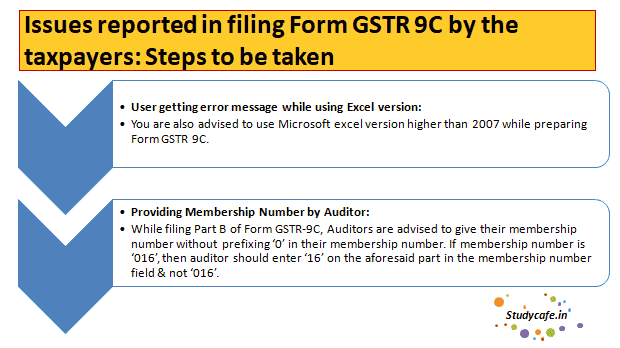
1. User getting error message while using Excel version: You are also advised to use Microsoft excel version higher than 2007 while preparing Form GSTR 9C.

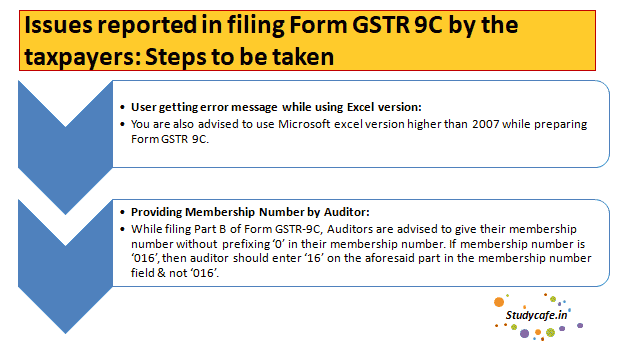
2. Providing Membership Number by Auditor: While filing Part B of Form GSTR-9C, Auditors are advised to give their membership number without prefixing 0 in their membership number. If membership number is 016, then auditor should enter 16 on the aforesaid part in the membership number field & not 016.
Issues related to DSC- Part A
Part A: While filing Form GSTR-9C on GST Portal, for issues related to using DSC, following is brought to your notice:

General issues related to DSC :
- It may be noted that only PAN based Class 2 or Class 3 DSC can be used on GST Portal by taxpayers.
- In case you encounter an error that PAN verification failed, please ensure that PAN entered and PAN as mentioned in DSC must be same.
- Ensure that DSC is installed or token is plugged in your system.
- If you are facing issues while registering or signing DSC on the GST Portal, check if the emSigner is started or not.
- If emSigner server is started Stop the server and start the emSigner server as Run as Administrator.
- If emSigner server is not started Start the emSigner server as Run as Administrator.
- If you are facing an error after clicking the PROCEED button or if the websocket is not visible, you need to start the emSigner again.
Part B: While filing Form GSTR-9C on GST Portal, for issues related to using DSC, following is brought to your notice:
To Prepare Annual Return in Form GSTR-9C:
1. Following steps need to be performed for preparing Form GSTR 9C:
|
Steps for Filing Form GSTR 9C |
Mode of Performing Steps |
|
i. Taxpayer Collects Data to Send it to Auditor |
|
|
A. Download Filed Form GSTR-9 and Form GSTR-9C Tables derived from Form GSTR-9 |
ON GST Portal |
|
B. Send Files to the Auditor for Preparing GSTR-9C Statement |
OFF GST Portal |
|
ii. Auditor Prepares GSTR-9C Statement Using GSTR-9C Offline Utility |
|
|
C. Download GSTR-9C Offline Utility |
ON GST Portal |
|
D. Install emSigner after downloading the latest version from GST Portal |
ON GST Portal |
|
E. Open the GSTR-9C Offline Utility Excel Worksheet, Add table-wise details in the Worksheet, Generate Preview PDF file to view Draft Form GSTR-9C |
OFF GST Portal |
|
F. Generate JSON File andauditor need to affix his/her DSC |
OFF GST Portal |
|
G. Send the Signed JSON File to the Taxpayer for Upload on GST Portal |
OFF GST Portal |
|
iii. Taxpayer Uploads GSTR-9C Statement prepared by Auditor using his/her DSC |
|
|
H. Upload the Signed JSON File on GST Portal and Save Form |
ON GST Portal |
|
I. Signs the Form and complete filing of Form GSTR-9C |
ON GST Portal |
2. While signing generated JSON File, by usinghis/her DSC, Auditor needs to ensure:
- HTML file name 'wsweb' and 'GSTR_9C_Offline_Utility' should be in same folder to generate the JSON.
- You have installed emSigner in your machine.
All the taxpayers are requested to file their FORM GSTR 9C at the earliest, to avoid last minute rush.
You May Also Refer : Analysis related to Latest Notification issued on 28/06/2019
About Author


CA Deepak Gupta
Co Founder
 StudyCafe
 Delhi, Delhi, India
 3423
3423My Recent Articles
- UltraTech Cement slapped with Rs. 808.78 Cr Income Tax Demand
- GST: High Court upheld constitutional validity of Section 16(2)(c), asks government to address ITC issues of genuine purchasers
- Old vs New Tax Regime for Tax Year 2026-27
- High court criticizes Income Tax Department for not releasing ITR Utilities despite 11 years of directions
- Fino Payments Bank CEO Rishi Gupta Gets Bail in GST Case, Bank Clarifies No Direct Link
Loading suggestions…


Recent Posts


All Posts

Tags
No tags yet.
Recent Posts
All Posts
Tags
No tags yet.