ITBA Guidelines for Withholding or Release of Refunds at Time of Processing ITRs for Scrutiny Cases
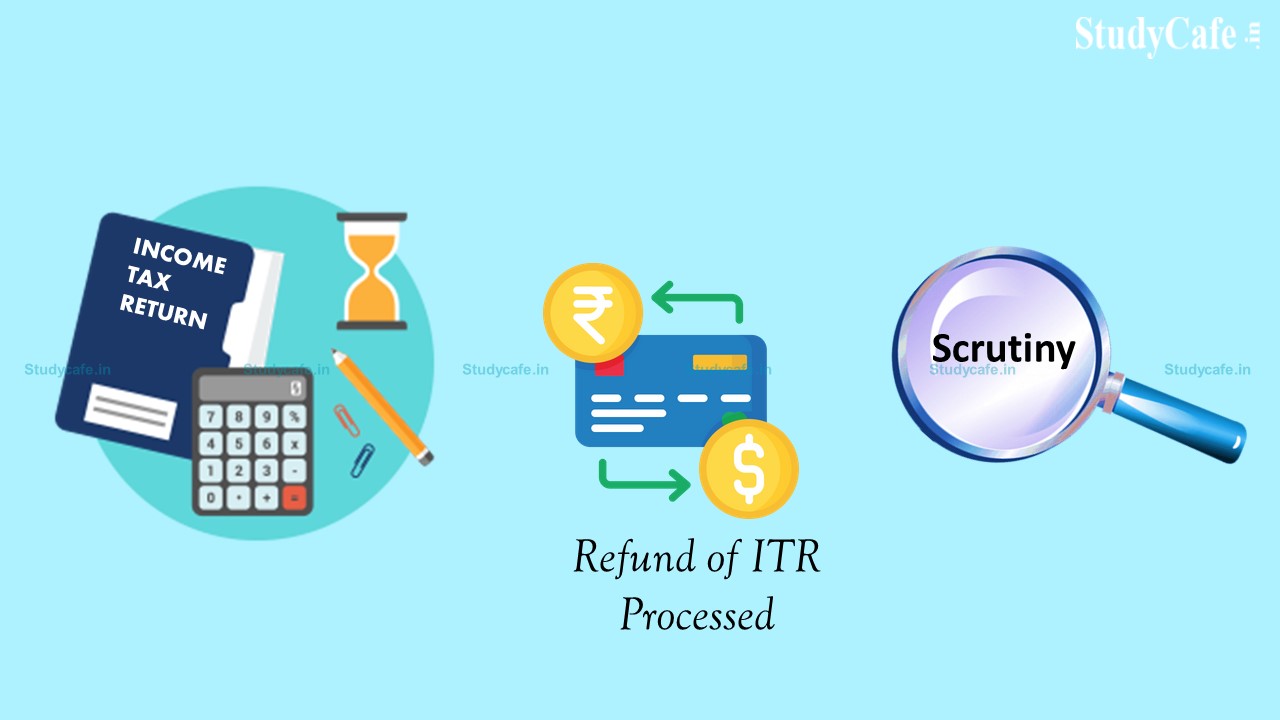
ITBA Guidelines for Withholding or Release of Refunds at Time of Processing ITRs for Scrutiny Cases Workflow in ITBA for Withholding of Refund under …
 Reetu
Reetu Feb 17, 2022
Table of Contents

2. "Withholding of Refund u/s 241A" or "Release of Refund" where corresponding scrutiny case is with "non-faceless (Central/ International taxation/ JAO)" charge:
2.1 The Step-by-step process in ITBA is as under: Steps for AO:- Go to ITBA Home page
- Go to ITR processing module
- Click on Return receipt register
- Search for PAN and AY
- The Processing status of the return will be 'Pending for refund confirmation by AO'
- Click on View/ Proceed for data entry
- Enter the OTP (valid for 72 hours)/ Re-generate the OTP (if required)
- Select 'Yes 'for field 'Whether Grant of Refund is adversely affecting the revenue as per sec. 241A and refund to be withheld'
- Enter the "Remarks"
- Click on "Submit for 241A approval"
- Range Head has to login into the ITBA Portal
- Click on Refund Banker Module
- Click on worklist
- Select the Work Item (PAN and AY) with subject "Refund Withholding u/s 241A"
- Enter the Remarks
- Provide response (click on "Submit for 241A "for approval of PCIT or "Send Back" to AO for clarification)
- PCIT has to login into the ITBA Portal
- Click on Refund Banker Module
- Click on worklist
- Select the Work Item (PAN and AY with subject "Refund Withholding u/s 241A"
- Enter the Remarks
- Provide response (click on "Refund to be Withheld" for withholding of refund u/s 241A, or "Send Back/Reject" for clarification from Range Head/ AO or Rejection of proposed withholding of refund u/s 241A)
(i) If it has been decided by the PCIT that the case is not fit for withholding of refund u/s 241A, then the proposal has to be sent back (click on "send back/ reject") with relevant remarks. After that, AO has to cancel the work item from Refund Banker Module and follow the process of refund release. The Para No. 3(A)(i)(e) of ITBA ITR Processing Instruction No. 5 dated 14-12-2018 may be treated as modified in this regard.
(ii) If the PCIT send back only for seeking clarification, then also he has to use the same button "send back/ reject" with applicable/ appropriate remarks.
(iii) In view of the above, AO has two options - either to cancel whole work-item altogether [scenario (i)], or to give clarification as desired by the PCIT [scenario (ii)].

- Enter the OTP (valid for 72 hours)/ Re-generate the OTP (if required)
- select 'No 'for field 'Whether Grant of Refund is adversely affecting the revenue as per sec. 241A and refund to be withheld'
- Enter the Remarks
- Click on "Approve Refund" to release the refund, or "Block Refund" (for fraud cases)
- Enter the OTP (valid for 72 hours)/ Re-generate the OTP (if required)
- select 'No 'for field 'Whether Grant of Refund is adversely affecting the revenue as per sec. 241A and refund to be withheld'
- Enter the Remarks
- Click on "Submit for Range approval"
About Author


Reetu
Content Manager
 Studycafe
 Delhi, Delhi, India
 8071
8071My Recent Articles
- Income Tax Guide for Indian Defence Personnel for Tax Filing, Taxable Allowances and Other Benefits
- Income Tax Return Breaking: ITR Forms released for AY 25-26
- Ex-DRT Officials Sentenced to 5 Years Rigorous Imprisonment by Madras High Court along with Rs.27 Lakh Fine
- GSTN issued Advisory on Case Sensitivity in IRN Generation
- RBI to issue Notes of Rs.10 and Rs.500 bearing Signature of Guv Malhotra
Loading suggestions…


Recent Posts


All Posts

Recent Posts
All Posts