2 Factor Authentication for E-Way Bill and E-Invoice System for all the taxpayers with AATO above 100cr:
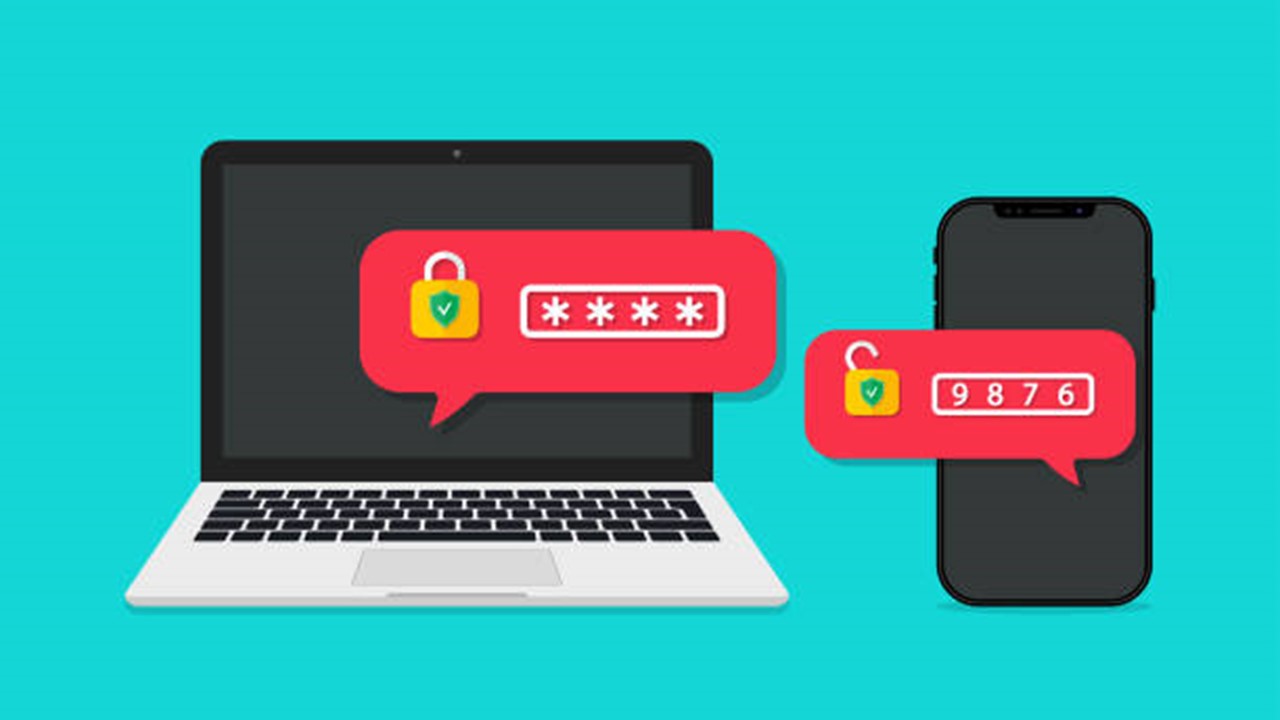
OTP will be used in addition to the username and password for login authentication.
2 Factor Authentication for E-Way Bill and E-Invoice System in GST
 CA Pratibha Goyal
 Jun 12, 2023
Table of Contents

2 Factor Authentication for E-Way Bill and E-Invoice System for all the taxpayers with AATO above 100cr
NIC is implementing two-factor authentication for logging into the e-Way Bill/e-Invoice system to increase the security of the system. OTP will be used in addition to the username and password for login authentication.
Three methods exist for getting the OTP. You can log in to the system by entering any OTP.
The different ways to generate OTP are described below:
1. SMS: Your registered mobile number will receive an SMS containing the OTP.
2. Regarding the "Sandes" app: Sandes is a government-provided messaging app that allows you to send and receive messages. On your registered cellphone number, you can download and install the Sandes app and get the OTP there.
3. Utilising the 'NIC-GST-Shield' app: The e-Way Bill / e-Invoice System offers the mobile app "NIC-GST-Shield" so that OTP can be created using the app. Only from the e-Waybill / e-Invoice portal, click the link that says "Main Menu2-Factor Authentication. Install NIC-GST-Shield" to download this programme. Install this app on your registered mobile number, download it, and register it. You must make sure that the time on the app matches the time on the e-Waybill/e-Invoice system. OTP is shown when the app is opened. You can continue the authentication by entering this OTP. Every 30 seconds, the OTP is refreshed. You can generate the OTP using this app without using the internet or relying on a mobile network in any way.
Creating a 2-Factor Authentication account:
Go to Main Menu > 2 Factor Authentication after logging into the e-Waybill System to confirm the registration. The system will then request an OTP along with a username and password after confirmation. User accounts provide the basis of the OTP authentication. The registered cellphone number for each sub-user of the GSTIN will be used for independent authentication in the e-Way Bill/e-Invoice System. Both the e-Way bill and e-Invoice systems require 2 Factor authentication once you have registered for them. Source LinkAbout Author


CA Pratibha Goyal
Co Founder
CA Pratibha Goyal is Chartered Accountant qualified in 2016, is a Member of The Institute of Chartered Accountants of India having wide experience in the field of Auditing, Taxation, ROC, GST and Secretarial matters etc.
She has written over a thousand articles & has made several videos on topics related to Auditing & Taxation. As a Speaker she has delivered various sessions on various branches of NIRC of ICAI.
CA Pratibha Goyal is Chartered Accountant qualified in 2016, is a Member of The Institute of Chartered Accountants of India having wide experience in the field of Auditing, Taxation, ROC, GST and Secretarial matters etc.
She has written over a thousand articles & has made several videos on topics related to Auditing & Taxation. As a Speaker she has delivered various sessions on various branches of NIRC of ICAI.
 Studycafe
 New Delhi, Delhi, India
 1486
1486My Recent Articles
- Biggest Labour Reform in Indian History: 4 Labour Codes Effective from today
- Tax Audit and ITR Due date not extended in this case: Know More
- Government notifies Agreement and Protocol between India and Qatar [Read Notification]
- CA Breaking: Results of ICAI Examination to be announced soon, Know probable Date
- Breaking: GSTR-3B Due Date for September 2025 extended by CBIC amid Diwali Festivities
Up Next
Loading suggestions…


Recent Posts

All Posts
Recent Posts
All Posts