Don't Wait Until the Last Day: Here's Step-by-Step Guide to File ITR Online for AY 2026-27:
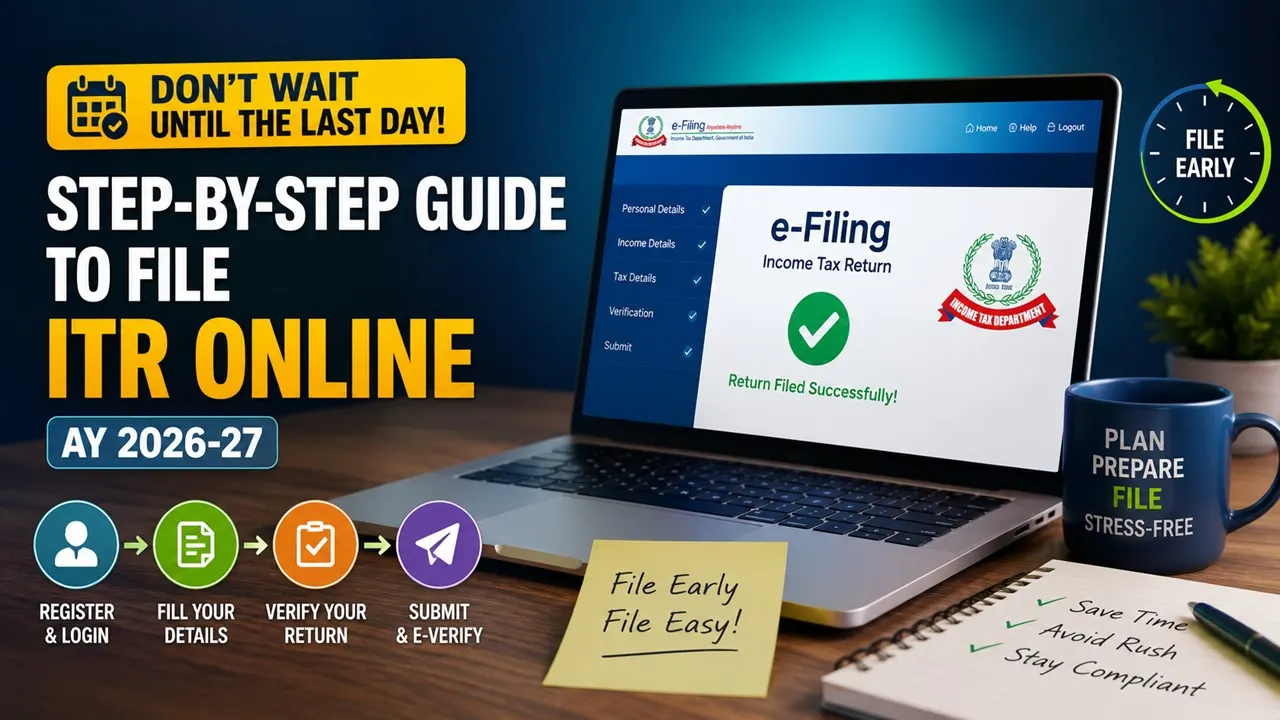
Learn how to file your ITR online for AY 2026-27 with this simple step-by-step guide to avoid errors, penalties, and last-minute hassles.
How to File ITR Online for FY 2025-26
 Saloni Kumari
 Jul 30, 2026
As the Income Tax Return (ITR) filing due date is approaching, taxpayers are advised not to wait until the last date. Generally, there are high chances of website crashes on the deadline. Several taxpayers make mistakes while filing their tax returns, as they are not aware of the proper procedure for filing, which ultimately leads to penalties, notices, and prolonged litigation.
Consequently, here we have provided the step-by-step procedure to file an income tax return online on the e-filing portal:

Step 1: Visit the official income tax portal at https://www.incometax.gov.in.
Step 2: Log in using your PAN (as user ID) and password.
Step 3: On the homepage, click on the ITR Filing Section, and thereafter click on 'e-File' > 'Income Tax Returns' > 'File Income Tax Return.'

Step 4: Select the relevant assessment year for filing the tax return, i.e., AY 2026-27. After that, select online mode, and then click on 'Continue.'
Step 5: Select the correct ITR form as per your income source (ITR-1, ITR-2, ITR-3, ITR-4, ITR-5, ITR-5, ITR-6, and ITR-7).
Step 6: Specify the reason why you are filing the ITR:
1. Your aggregate income is more than the basic exemption limit.
2. Filing is mandatory due to specific criteria.
3. Other reasons that apply to your condition.
Step 7: Most of your personal and financial details, such as PAN, Aadhaar, bank details, salary and income details, and deductions under Sections 80C, 80D, etc., are pre-filled in the tax returns. However, taxpayers are advised to verify those details once if there are any discrepancies.
Step 8: After claiming every eligible exemption/deduction, if you owe any outstanding tax liability, then pay it. Please review the entire summary, confirm, and submit the return.
Step 9: ITR is not considered completely filed until a taxpayer verifies it. An ITR is required to be e-verified within 30 days of filing. The following are the ways in which a taxpayer can e-verify his/her tax return:
Aadhaar OTP
Net Banking
Pre-validated Bank Account
Demat Account
Digital Signature Certificate (DSC)
Electronic Verification Code (EVC)
Or send a signed ITR-V to CPC, Bengaluru
About Author


Saloni Kumari
Content Writer
 StudyCafe
 Delhi, Delhi, India
 2948
2948My Recent Articles
- Maharashtra Govt Eases Registration of Jointly Owned Land Sales, ‘KA’ Copy Can Replace Co-Owners’ NOC
- No Separate Section 69C Unexplained Expenditure Addition Allowed After Accepting Section 44AD Income Without Supporting Evidence: ITAT
- RBI Imposes Restrictions on Puducherry Co-operative Urban Bank for Six Months, Caps Cash Withdrawals at Rs 5,000
- ICAI Opens Application Window for Empanelment of Members to Act as Observer at CA January 2027 Exams
- ICAI CA Inter Sept 2026 Result OUT at caresults.icai.org, Check Steps to Download
Loading suggestions…


Recent Posts


All Posts



Recent Posts
All Posts