Facing Errors While Filing GSTR-7? Do These Steps Suggested by GSTN:
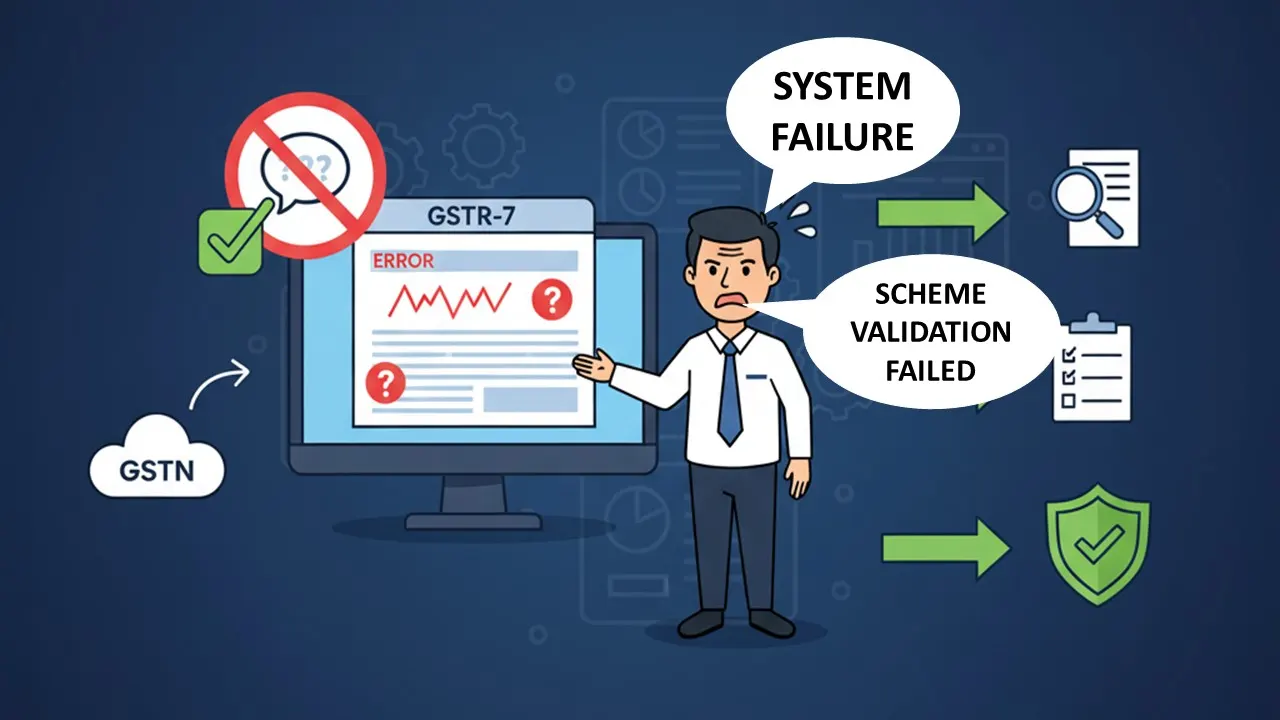
Know these steps if you are facing technical issues like "System Failure" or "Scheme Validation Failed" while filing GSTR-7.
Solution for GSTR-7 Filing Technical Error
 Nidhi
Nidhi Oct 11, 2025
Facing Errors While Filing GSTR-7? Do These Steps Suggested by GSTN
The Goods and Services Tax Network (GSTN) has recently suggested some steps for the taxpayers who are facing errors while filing GSTR-7. Many users have reported that while filing GSTR-7, they face technical issues like "System Failure" or "Scheme Validation Failed". Here is what you can do:
- Solution for "System Failure" Error: If you see a "System Failure" on your invoice count, just simply re-enter the invoice with the exact same GSTIN, Invoice Number, and Date, then go to your dashboard and click "Generate Summary" to file.
- Solution for "Scheme Validation Failed" Error: Many taxpayers are getting a "Schema Validation Failed" error while uploading a JSON file generated from the offline tool. The technical team is currently working on fixing the offline utility.
About Author


Nidhi
Content Writer
Nidhi is a skilled content writer specializing in personal finance. She creates clear, engaging articles on mutual funds, investments, insurance, and wealth-building strategies. With a passion for simplifying complex financial topics, Nidhi helps readers make informed money decisions with confidence. She can be reached at [email protected]
Nidhi is a skilled content writer specializing in personal finance. She creates clear, engaging articles on mutual funds, investments, insurance, and wealth-building strategies. With a passion for simplifying complex financial topics, Nidhi helps readers make informed money decisions with confidence. She can be reached at [email protected]
 Studycafe
 New Delhi, Delhi, India
 1832
1832My Recent Articles
- Karnataka High Court Gives Another Chance in GST Matter Due to Lack of Hearing
- Delay Should Be Condoned if Explanation is Unrefuted: ITAT
- Non-Service of Income Tax Notice, Ill health of taxpayer, ITAT condones Appeal filing delay
- Books of Accounts Cannot be Rejected Without Any Specific Defect: ITAT Kolkata
- Karnataka High Court Sends ITC Matter Back to GST Authorities for Reconsideration
Up Next
Loading suggestions…


Recent Posts

All Posts

Tags
Recent Posts
All Posts