Fake Aadhaar Card: How to Discover if Aadhaar Card Shared by Your Tenant or Employee is Fake?:
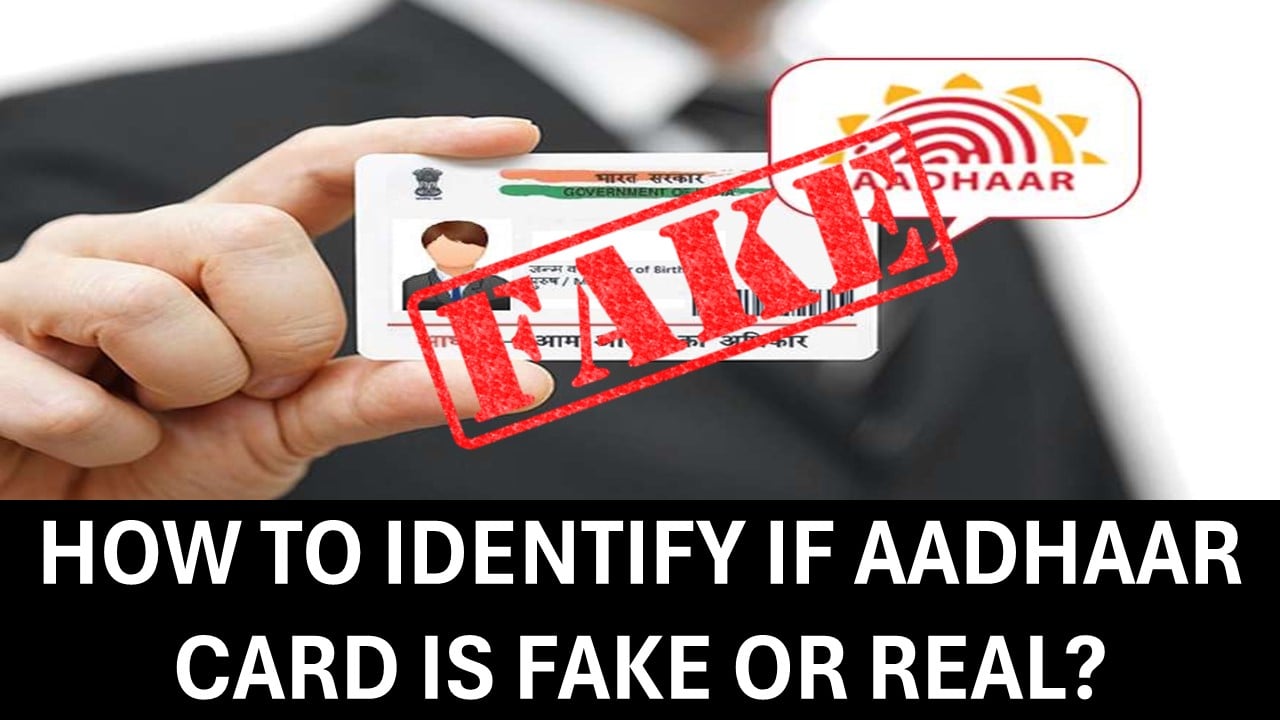
If you hire individuals to stay as tenants, it could create problems for you, too. Know how to check an Aadhaar card using a website or mobile app from home.
How to Identify If Aadhaar Card is Fake or Real?
 Saloni Kumari
 May 15, 2025
Table of Contents

Fake Aadhaar Card: How to Discover if Aadhaar Card Shared by Your Tenant or Employee is Fake?
Aadhaar is an essential document. In today's world, in most government-related work Aadhaar Card is used as a key document. It justifies the identity of every Indian. Hence, it is also used as a common document in doing frauds or scams, and individuals coming to India from outside also rely on fake Aadhaar cards.
If you hire such individuals or let them stay as tenants, it could create problems for you, too. That’s why it is important to check if the Aadhaar card is real. Today, we will understand how to check an Aadhaar card using a website or mobile app from home.
How to Check if an Aadhar Card is Fake Using a Mobile App?
Unique Identification Authority of India (UIDAI) has released the mAadhaar application. It is an authority that controls Aadhaar Cards. This application can be used to check if an Aadhaar card is real or fake. The steps below can be used to check:- Step 1: Firstly, download the mAadhaar app from the Play Store on your mobile phone.
- Step 2: After successful installation, log in using the required login credentials.
- Step 3: Now, go to the 'My Aadhaar section' on the homepage.
- Step 4: Enter Aadhaar details and location.
- Step 5: This is how you will get to know if the Aadhaar is real or fake.
How to Check if an Aadhaar Card is Fake Using a QR Code?
The Unique Identification Authority of India (UIDAI) also provides QR codes in newly launched Aadhaar Cards. All essential information regarding the individuals is included in these QR cards. This information consists of name, address, date of birth, photo, etc. The following steps can be used to check:- Step 1: Firstly, download the Aadhaar QR Scanner app from the Play Store on your mobile phone.
- Step 2: After successful installation, scan the QR code given in the Aadhaar card using the app.
- Step 3: This is how you will get to know if the Aadhaar is real or fake.
About Author


Saloni Kumari
Content Writer
Saloni is a Content Writer with 2+ years of experience at studycafe.in. She writes legal, taxation, and finance related content including GST, Income Tax etc. Skilled in translating complex judicial pronouncements and regulatory developments into clear, and reader-friendly articles. Experienced in covering judgements of ITAT, High Court, GSTAT, and news related to Income Tax, GST, and corporate law. She can be reached at [email protected].
Saloni is a Content Writer with 2+ years of experience at studycafe.in. She writes legal, taxation, and finance related content including GST, Income Tax etc. Skilled in translating complex judicial pronouncements and regulatory developments into clear, and reader-friendly articles. Experienced in covering judgements of ITAT, High Court, GSTAT, and news related to Income Tax, GST, and corporate law. She can be reached at [email protected].
 StudyCafe
 Delhi, Delhi, India
 2924
2924My Recent Articles
- Major Relief in Arbitration Case: MCIA Denies Rs 908 Crore Statement Claim Made by Allied Silica Against Tata Chemicals
- MCA and ICSI to Hold User Awareness Session on Form AOC-4 Filing Amid Glitches on MCA-21 Version-3 Portal
- GSTN Introduces New E-Invoicing Facility for Self-Invoices Under Reverse Charge Mechanism
- Flexi Cap vs Multi Cap Funds: What's the Real Difference?
- IBA Recommends Public Sector Banks to Reduce Ambit of Physical Branch Audits to 50% of Total Business
Up Next
Loading suggestions…


Recent Posts


All Posts



Tags
No tags yet.
Recent Posts
All Posts
Tags
No tags yet.