GSTAT Introduces Online Reply Filing for Departmental Appeals Without Formal Cross-Objections in Form GST APL-06:
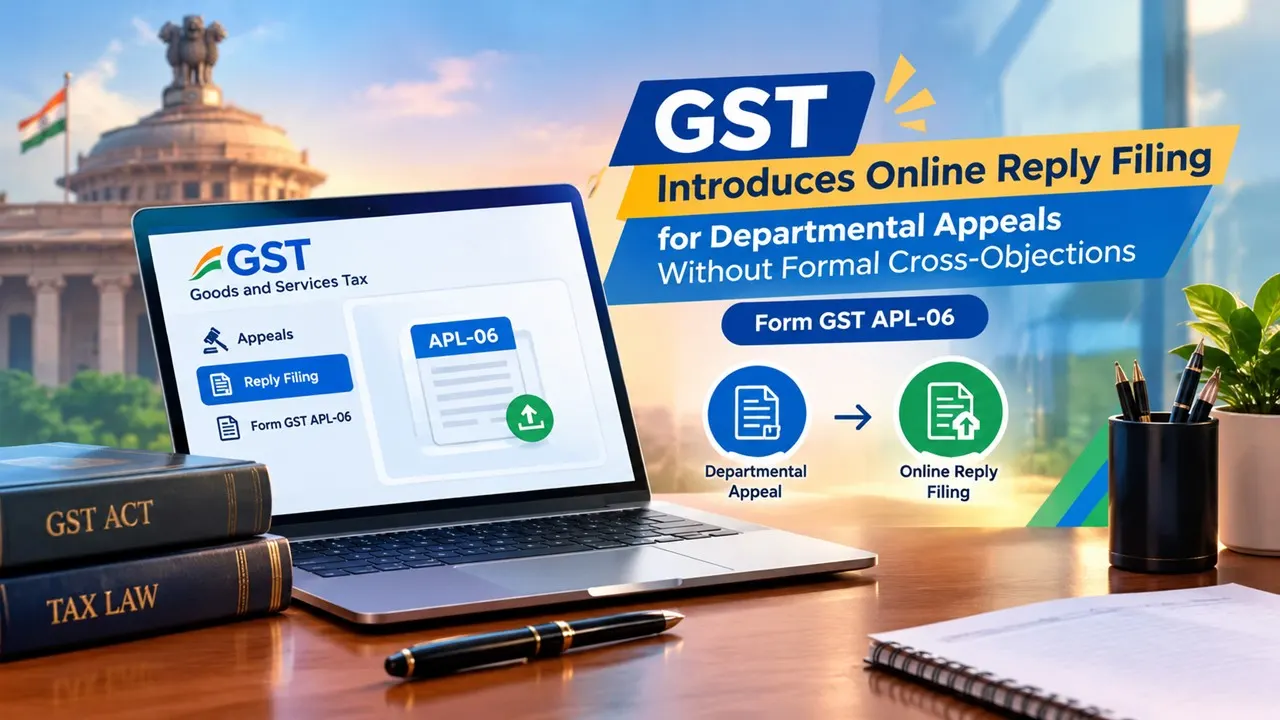
GSTAT has introduced an SOP enabling respondents to file online replies to departmental appeals without filing formal cross-objections in Form GST APL-06.
GSTAT Notifies Step-by-Step SOP for Respondents Filing Replies to Appeals
 Saloni Kumari
 Sep 30, 2026
The Goods and Services Tax Appellate Tribunal (GSTAT) portal has introduced a dedicated mechanism, i.e., Standard Operating Procedure (SOP), for respondents willing to file online replies to departmental appeals without needing to file formal cross-objections in Form GST APL-06. This operationalises Rule 36 of the Goods and Services Tax Appellate Tribunal (Procedure) Rules, 2025.
The said rules were notified by the Ministry of Finance, Department of Revenue, in pursuance of its powers granted under Section 111 of the Central Goods and Services Tax (CGST) Act, 2017, and were officially announced vide Notification No. G.S.R. 256(E), issued on April 24, 2025.

The mechanism was introduced on September 29, 2026. The SOP provides detailed procedures for the respondents to furnish a response to an appeal filed against them.
According to the provisions of Rule 36 of the GSTAT (Procedure) Rules, 2025, every respondent facing departmental appeals should furnish a proper reply to it together with copies of relevant documents. This response can be made either personally or through an authorised representative. The time period for making such responses is one month from receipt thereof. After the submission of a response by the respondent, the applicant is required to specify if it endorses the response or denies or rebuts the facts stated by the respondent and may state such additional facts as are considered necessary.

The following is the step-by-step filing process:
Step 1: Visit the official GSTAT e-Filing Portal. Thereafter, log in to the portal using log in credentials.
Step 2: Then, navigate to the Respondent Corner and select File Reply.
Step 3: Now, click on "Search by Case No." and fill in the asked details, such as Case Type, Case Number, Location, Case Year, and Security Code.
Step 4: Upload your factual submissions, supporting documents, and defense statements.
Step 5: Submit the details.
Step 6: Following the submission, generate and download the confirmation receipt.
About Author


Saloni Kumari
Content Writer
 StudyCafe
 Delhi, Delhi, India
 2942
2942My Recent Articles
- ITAT Holds Failure to Issue Draft Assessment Order Under Section 144B Invalidates Assessment Procedure
- TRACES to Soon Permit Cross-Year Challan Corrections Amid New Income Tax Act Transition
- SBI Discloses Customer Data Leak on Dark Web, Identifies 3,897 Records Containing Personally Identifiable Information
- CBDT Exempts Interest on New Development Bank’s Maharajah INR Bonds from TDS
- CBDT Notifies Income-tax (Seventh Amendment) Rules, 2026; Introduces New Form for Tax Exemption Claims
Loading suggestions…


Recent Posts


All Posts

Recent Posts
All Posts