GSTN Issues Advisory on Appeals Where Pre-Deposit Amount Is Auto-Fetched:
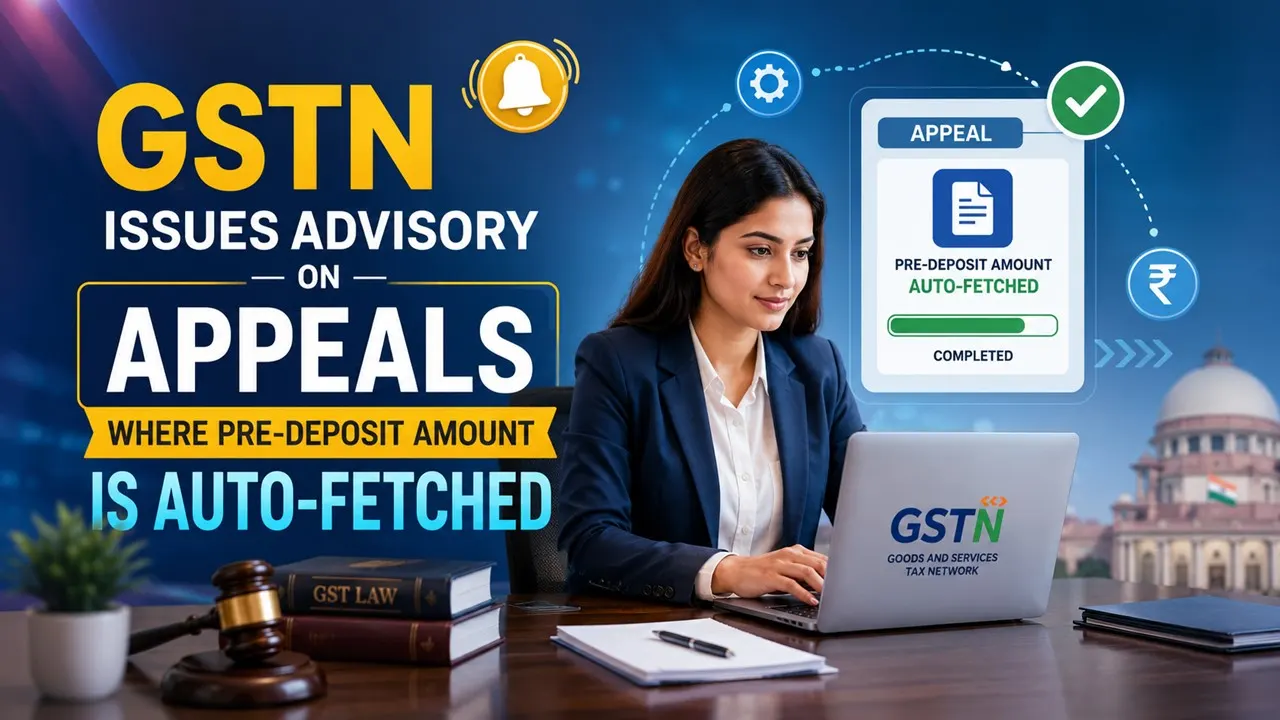
GSTN has issued guidance for taxpayers on handling auto-fetched pre-deposit amounts while filing GST appeals, including exemption and correction requests.
GSTN Issues Appeal Filing Advisory
 Vanshika verma
 Jun 17, 2026
Table of Contents

GSTN Issues Advisory on Appeals Where Pre-Deposit Amount Is Auto-Fetched
GSTN has issued an advisory clarifying the procedure for taxpayers filing appeals where the pre-deposit amount is automatically fetched by the GST portal.
This advisory explains what users should do when the pre-deposit amount is automatically fetched from the GSTN portal while filing an appeal. It also covers cases where a higher court has granted an exemption from the pre-deposit requirement or when the auto-fetched amount appears incorrect.
When this process is applied
These steps are for filing appeal through ARN/CRN option and pre deposit details are fetched automatically from the GSTN System. The exemption/correction option should be used if the amount fetched cannot be edited by the user.- The pre-deposit was waived by a higher court for the taxpayer, or
- The auto-fetched amount is different from the amount calculated by the user.
About Author


Vanshika verma
Content Writer
Vanshika Verma is a Content Writer with 1+ year of experience at Studycafe.in. A B.Com graduate from Delhi University, She writes articles on Finance, Tax, ICAI, GST, and the latest financial news, with a focus on making complex topics easy for readers and professionals.
Vanshika Verma is a Content Writer with 1+ year of experience at Studycafe.in. A B.Com graduate from Delhi University, She writes articles on Finance, Tax, ICAI, GST, and the latest financial news, with a focus on making complex topics easy for readers and professionals.
 Studycafe
 Delhi, Delhi, India
 2160
2160My Recent Articles
- Belrise Industries Faces Rs 1.51 Lakh GST Demand Over ITC Claims, Evaluates Appeal
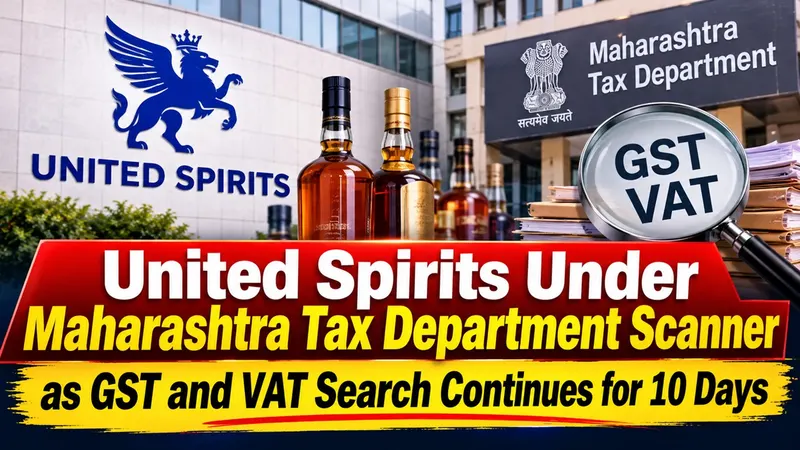
- United Spirits Under Maharashtra Tax Department Scanner as GST and VAT Search Continues for 10 Days
- Assam GST Department Conducts Overnight Searches at Multiple Bharatiya Jalpan Outlets in Guwahati Over Suspected Five-Year Financial Irregularities
- Rajshree Sugars & Chemicals Wins Major Tax Relief as Chennai Commissioner Drops Rs 62.83 Crore Central Excise Proceedings
- RBI Imposes Rs 7.3 Lakh Monetary Penalty on Canara Bank Over ATM Cashouts at 73 ATMs in Karnataka and Tamil Nadu
Up Next
Loading suggestions…


Recent Posts


All Posts

Tags
Recent Posts
All Posts