Income Tax Annual Information Statement (AIS) for FY 2021-22 now live: Know what new information is added in AIS
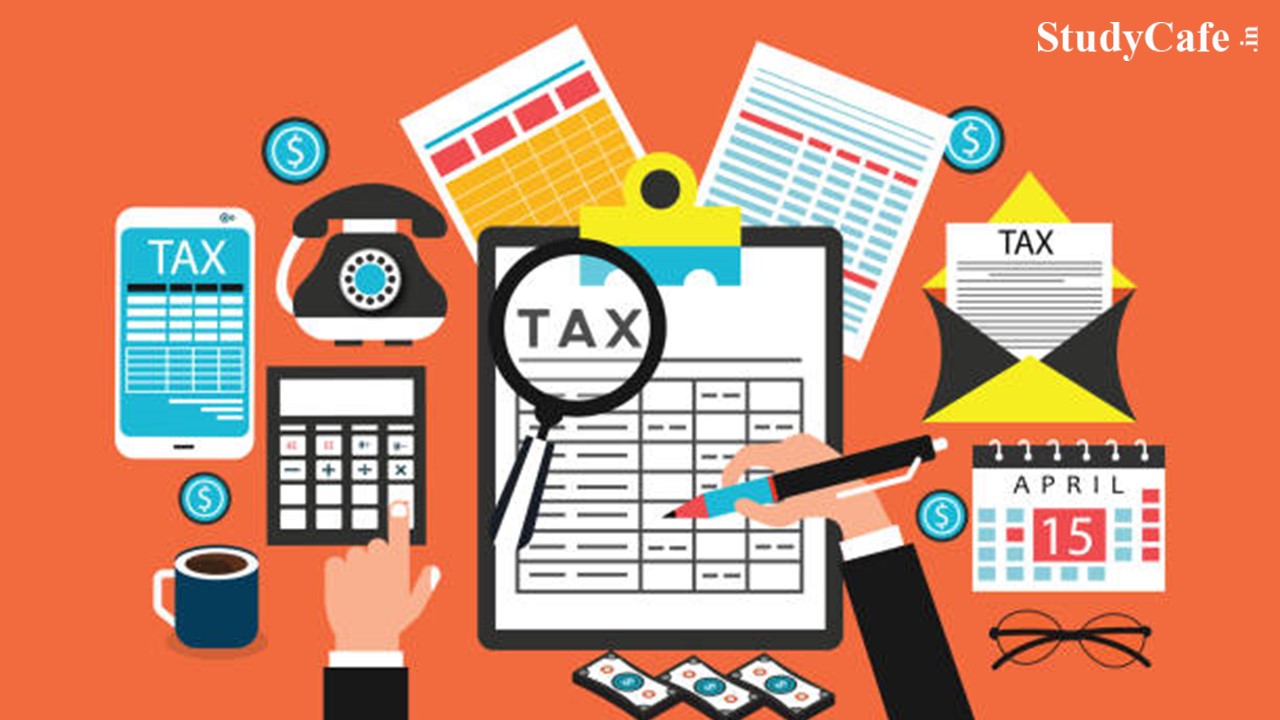
Income Tax Annual Information Statement (AIS) for FY 2021-22 now live Income Tax Annual Information Statement (AIS) for FY 2021-22 now live
 CA Deepak Gupta
 Mar 12, 2022
Table of Contents

Income Tax Annual Information Statement (AIS) for FY 2021-22 now live: Know what new information is added in AIS
Annual Information Statement (AIS) and Taxpayer Information Statement (TIS) for Financial Year 2021-22 is now Live on Income Tax Portal.
Annual Information Statement (AIS) is a comprehensive view of information for a taxpayer displayed in Form 26AS. You can also submit feedback if the information needs to be modified.
Taxpayer Information Summary (TIS) is an information category-wise information summary for a taxpayer. Information in TIS will be used for prefilling of return of Income, if applicable.
The Second version of AIS contains details of GST Turnover, GST purchases, TDS-194Q (under Business receipts), and Income of specified senior citizens.
So now Below mentioned Information is there is AIS:
1. Salary 2. Rent received 3. Dividend 4. Interest from savings bank 5. Interest from the deposit 6. Interest from others 7. Interest from income tax refund 8. Rent on plant & machinery 9. Winnings from lottery or crossword puzzle u/s 115BB 10. Winnings from horse race u/s 115BB 11. Receipt of accumulated balance of PF from employer u/s 111 12. Interest from infrastructure debt fund u/s 115A(1)(a)(iia) 13. Interest from specified company by a non-resident u/s 115A(1)(a)(iiaa) 14. Interest on bonds and government securities 15. Income in respect of units of non-resident u/s 115A(1)(a)(iiab) 16. Income and long-term capital gain from units by an offshore fund u/s 115AB(1)(b) 17. Income and long-term capital gain from foreign currency bonds or shares of Indian companies u/s 115AC 18. Income of foreign institutional investors from securities u/s 115AD(1)(i) 19. Insurance commission 20. Receipts from life insurance policy 21. Withdrawal of deposits under national savings scheme 22. Receipt of commission etc. on sale of lottery tickets 23. Income from investment in securitization trust 24. Income on account of repurchase of units by MF/UTI 25. Interest or dividend or other sums payable to government 26. Sale of land or building 27. Receipts for transfer of immovable property 28. Sale of vehicle 29. Sale of securities and units of mutual fund 30. Off market debit transactions 31. Off market credit transactions 32. Business receipts 33. Business expenses 34. Rent payment 35. Miscellaneous payment 36. Cash deposits 37. Cash withdrawals 38. Cash payments 39. Outward foreign remittance/purchase of foreign currency 40. Receipt of foreign remittance 41. Payment to non-resident sportsmen or sports association u/s 115BBA 42. Foreign travel 43. Purchase of immovable property 44. Purchase of vehicle 45. Purchase of time deposits 46. Purchase of securities and units of mutual funds 47. Credit/Debit card 48. Balance in account 49. Income distributed by business trust 50. Income distributed by investment fund 51. GST turnover 52. GST purchases 53. Income of specified senior citizenDownload pdf of AIS and TIS (Password related changes)
- The downloaded PDF will be password protected. To open the file, you will need to enter the combination of the PAN (in lower case) and the date of birth in case of individual taxpayer or date of incorporation/ formation for non-individual taxpayer in the format ddmmyyyy without any space. For example, if the PAN is AAAAA1234A and the date of birth is 21st January 1991 then your password will be aaaaa1234a21011991.
- Earlier the combination of PAN and DOB was in uppercase.
About Author


CA Deepak Gupta
Co Founder
CA Deepak Gupta,is Co-founder of Studycafe. He is Microsoft Office Specialist and Corporate Trainer of AI Tools, Microsoft Excel.
He is Finance Influencer having more than 250K followers on Social Media. CA Deepak Gupta, is Having more than 14 plus years of experience, and he has Worked with best brands Like, Hero, Wipro, Ericsson before Starting Studycafe. He has Trained more than 20000 Persons in Microsoft Excel, PowerPoint, Power BI, Google Sheet, Google Forms and Other Tools.
CA Deepak Gupta,is Co-founder of Studycafe. He is Microsoft Office Specialist and Corporate Trainer of AI Tools, Microsoft Excel.
He is Finance Influencer having more than 250K followers on Social Media. CA Deepak Gupta, is Having more than 14 plus years of experience, and he has Worked with best brands Like, Hero, Wipro, Ericsson before Starting Studycafe. He has Trained more than 20000 Persons in Microsoft Excel, PowerPoint, Power BI, Google Sheet, Google Forms and Other Tools.
 StudyCafe
 Delhi, Delhi, India
 3423
3423My Recent Articles
- UltraTech Cement slapped with Rs. 808.78 Cr Income Tax Demand
- GST: High Court upheld constitutional validity of Section 16(2)(c), asks government to address ITC issues of genuine purchasers
- Old vs New Tax Regime for Tax Year 2026-27
- High court criticizes Income Tax Department for not releasing ITR Utilities despite 11 years of directions
- Fino Payments Bank CEO Rishi Gupta Gets Bail in GST Case, Bank Clarifies No Direct Link
Up Next
Loading suggestions…


Recent Posts
All Posts
Recent Posts
All Posts