New DSC settings for MCA website
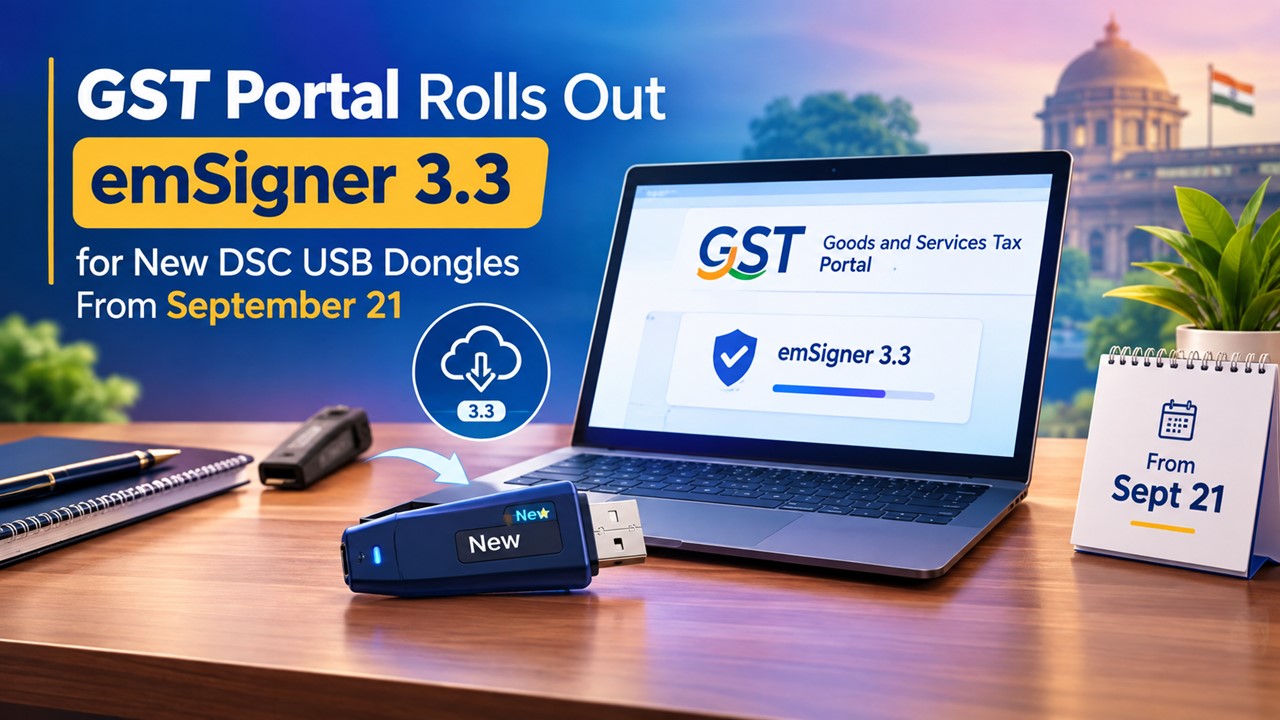
MCA has notified that to access DSC related services of MCA, new settings are required with effect from 4th Feburary 2018. A. System Require
 CA Deepak Gupta
 Feb 2, 2018
Table of Contents

MCA has notified that to access DSC related services of MCA, new settings are required with effect from 4th Feburary 2018.

A. System Requirements for Usage of Digital Signature Certificate
1. Desktop Browser: Internet Explorer 10+/ Chrome 49+ or Firefox 45+ 2. Valid class 2 or class 3 Digital Signature Certificate (DSC) obtained from a DSC providerB. Pre-requisites for installing Web socket installer.
1. Windows 32 / 64 bit OS
2. Java 1.6 JRE 1.6.0_38+, Java 1.7, Java 1.8
3. Windows: Admin access to install the emSigner component
4. Any one of the following ports should be free 8080 2015
C. Downloading and Installing the Web Socket Installer.
For downloading and installing the Web Socket Installer, perform the following steps:
- Download the Web Socket Installer from the DSC Registration page of the MCA Portal
- Double-click the emSigner.msi executable file.
About Author


CA Deepak Gupta
Co Founder
CA Deepak Gupta,is Co-founder of Studycafe. He is Microsoft Office Specialist and Corporate Trainer of AI Tools, Microsoft Excel.
He is Finance Influencer having more than 250K followers on Social Media. CA Deepak Gupta, is Having more than 14 plus years of experience, and he has Worked with best brands Like, Hero, Wipro, Ericsson before Starting Studycafe. He has Trained more than 20000 Persons in Microsoft Excel, PowerPoint, Power BI, Google Sheet, Google Forms and Other Tools.
CA Deepak Gupta,is Co-founder of Studycafe. He is Microsoft Office Specialist and Corporate Trainer of AI Tools, Microsoft Excel.
He is Finance Influencer having more than 250K followers on Social Media. CA Deepak Gupta, is Having more than 14 plus years of experience, and he has Worked with best brands Like, Hero, Wipro, Ericsson before Starting Studycafe. He has Trained more than 20000 Persons in Microsoft Excel, PowerPoint, Power BI, Google Sheet, Google Forms and Other Tools.
 StudyCafe
 Delhi, Delhi, India
 3423
3423My Recent Articles
- UltraTech Cement slapped with Rs. 808.78 Cr Income Tax Demand
- GST: High Court upheld constitutional validity of Section 16(2)(c), asks government to address ITC issues of genuine purchasers
- Old vs New Tax Regime for Tax Year 2026-27
- High court criticizes Income Tax Department for not releasing ITR Utilities despite 11 years of directions
- Fino Payments Bank CEO Rishi Gupta Gets Bail in GST Case, Bank Clarifies No Direct Link
Up Next
Loading suggestions…


Recent Posts
All Posts
Tags
No tags yet.
Recent Posts
All Posts
Tags
No tags yet.