Income Tax Department on September 14 clarified that there will be no extension to the income tax filing deadline and the date will remain unchanged, September 15, 2025.
Vanshika verma | Sep 15, 2025 |
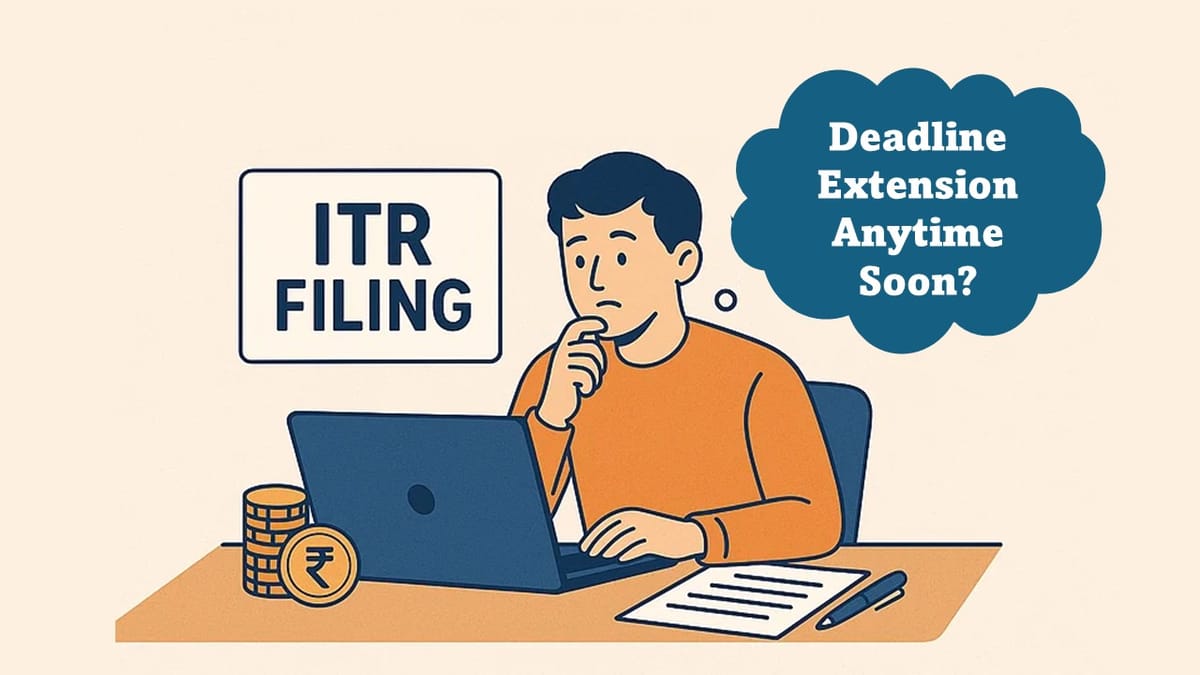

Income Tax Due Date Extension to Come Anytime Soon?
The Income Tax Return (ITR) due date for assessment year 2025-26 is September 15, today, and the Income Tax Department has shared that over 6 crore returns have been filed so far.
The Income Tax Department on the night of September 14 clarified that there will be no extension to the income tax filing deadline, and the date will remain unchanged: September 15, 2025.

The Income Tax Department posted on X (formerly known as Twitter), saying, “Thank you, taxpayers & tax professionals, for helping us reach the milestone of 6 crore Income Tax Returns (ITRs) as of now and still counting.”
The Income Tax Department further noted, To help taxpayers for ITR filing, tax payment, and other related services, our helpdesk is functioning on a 24×7 basis, and we are providing support through calls, live chats, WebEx sessions & Twitter/X. As well as requested all those who haven’t filed ITR for AY 2025-26 to file at the earliest to avoid the last-minute rush and penalties.

With the due date ending in just a few hours, there are a lot of opinions regarding whether the due date will be extended again. However, the Income Tax Department has denied rumors of an extension to the ITR deadline.
The Income Tax Department in May declared that the deadline for filing ITR for Assessment Year 2025-26 and Financial Year 2024-25 has been scheduled for September 15, 2025; previously, it was July 31, 2025. The IT dept. extended this date because of the major changes launched in the notified ITRs and considering the time required for system readiness and rollout of ITR utilities for AY25-26.
Here’s a step-by-step guide for filing ITR online:
Step 1: Visit the official income tax department website and log in with your account. (First-time tax filers must register using their Aadhaar and PAN and other related details).
Step 2: After logging in, click on e-file, then Income Tax Returns, and then File Income Tax Return.
Step 3: Select the Assessment year (2025-26) and choose the mode of filing (accordingly).
Step 4: Select your status, and then select other required details, including HUF or individual taxpayers or others.
Step 5: Select your ITR form regime: old or new.
Step 6: Review and verify your personal information and pre-filled data.
Step 7: After computation, select between ‘Pay now‘ or ‘Pay later.‘
Step 8: Once the tax is paid, select the Preview button and proceed to preview and then proceed to validation.
Step 9: A message will pop up regarding the e-filing’s success, with the ITR verification form ready for download.

In case of any Doubt regarding Membership you can mail us at [email protected]
Join Studycafe's WhatsApp Group or Telegram Channel for Latest Updates on Government Job, Sarkari Naukri, Private Jobs, Income Tax, GST, Companies Act, Judgements and CA, CS, ICWA, and MUCH MORE!"