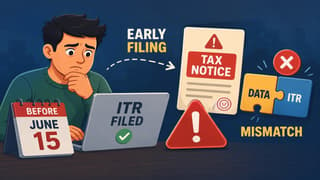
Understand why your AIS and ITR details don’t match and how to correct them step by step. File your taxes without errors or delays.
Vanshika verma | Nov 25, 2025 |

Fix AIS Errors Before Filing Your ITR: A Step-by-Step Guide for Taxpayers
People (Taxpayers) all over India are facing problems with AIS mismatch while filing their taxes. Here’s how you can fix mismatches-
Annual Information Statement (AIS) mismatch occurs when the details in your AIS, such as salary, bank interest, or TDS deducted, do not match the information you enter in your Income Tax Return (ITR). This can lead to delays in processing your ITR or notices from the Income Tax Department.

Following are some reasons behind mismatches:
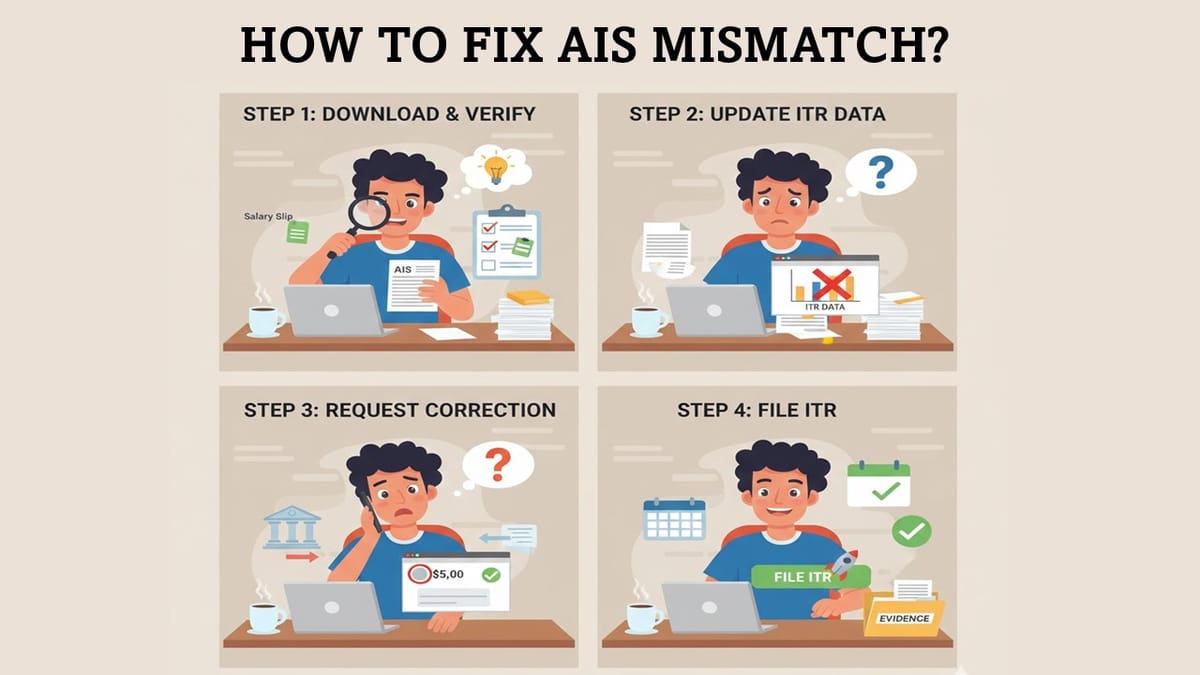
By following the below mentioned steps you can easily fix your AIS mismatch:
Step 1: Check and Download Your Records
Verify entries such as salary slips, bank statements, mutual funds, and Form 16/26AS with AIS.
Step 2: Update Your ITR
Update your ITR to match the AIS data wherever correct.
Step 3: Request AIS Correction
If AIS has wrong details such as TDS or bank interest, then contact the employer, bank, or deductor to correct their report.
Step 4: File Your ITR
Once all mismatches are addressed, file your ITR. Keep evidence, including emails and bank statements, in case the IT department asks.

In case of any Doubt regarding Membership you can mail us at [email protected]
Join Studycafe's WhatsApp Group or Telegram Channel for Latest Updates on Government Job, Sarkari Naukri, Private Jobs, Income Tax, GST, Companies Act, Judgements and CA, CS, ICWA, and MUCH MORE!"