Form 16 is a crucial tax document issued by employers that details salary income, TDS deductions, and tax calculations, helping salaried employees file their ITR accurately and on time.
Vanshika verma | Jun 4, 2026 |
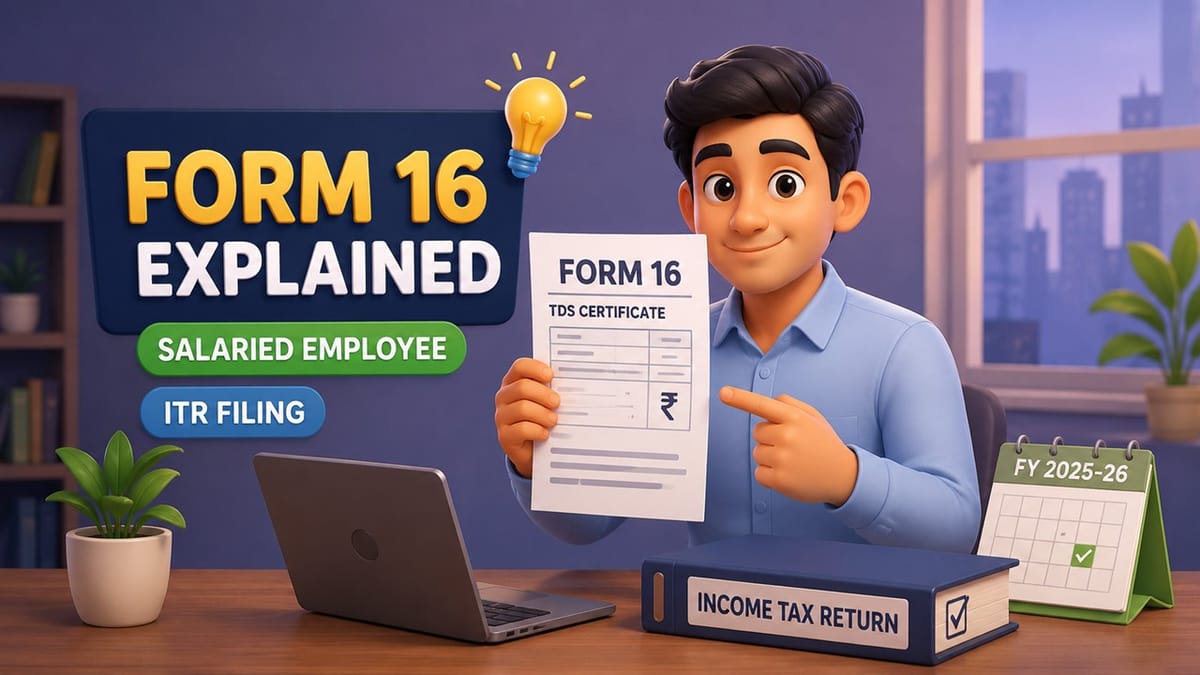

Form 16 Explained: Everything Salaried Employees Need to Know Before Filing ITR for FY 2025-26
With the income tax return (ITR) filing season round the corner, salaried employees are likely waiting for Form 16, an important document to file their tax returns. Let’s get to know in detail about Form 16.

Form 16 is a certificate given by an employer to an employee. It shows that the employee’s salary has been taxed and paid to the Income Tax Department. This tax deduction is called as Tax Deducted at Source (TDS). Form 16 is issued by an employer when tax is deducted from salary under section 192 of the Income-tax Act.
Form 16 is divided into two parts, i.e. Part A & Part B.
Part A contains basic information about the employer and employee including:
Part B provides a detailed breakdown of the employee’s salary and tax calculations. This gives information on:
Before issuing Form 16, the employer must verify all the information in both parts. The certificate can be authenticated either with a physical signature or a digital signature.
Employers are required to issue Form 16 by 15 June of the financial year immediately after the year in which the salary was paid and tax was deducted.
For example, if you worked and received a salary during Financial Year 2025-26, your employer must provide your Form 16 by 15th June 2026.
If you changed jobs during the financial year, each employer you worked for can issue a separate Form 16 for the period you were employed with them.
Yes, Form 16 can be downloaded before June 15 if the employer has already generated it on the TRACES portal.
However, employees cannot download Form 16 themselves from the Income Tax Department website. Only the employer can generate and download it through the TRACES portal.
Once the form is generated, the employer can share it with employees even before June 15.
The employer logs into the TRACES portal using their TAN credentials and applies for Form 16 for the specific financial year and employee PAN. After processing the request, the form can be downloaded and converted to a PDF using the TRACES PDF Generation Utility.
Form 16 is a certificate showing income earned during the financial year, Tax deducted by the employer (TDS) and details needed to file an Income Tax Return (ITR). It helps employees to cross check their income and tax deductions. It makes filing of ITR easy.
Step 1: Sign in to the TRACES portal.
Step 2: Choose the financial year and enter employee PAN.
Step 3: Post the request and perform the required validation.
Step 4: Click on Downloads then Requested Downloads. Download the Form 16 file with the request number.
Step 5: Download the TRACES PDF Generation Utility.
Step 6: Download Form 16 (Part A and Part B) in .pdf using the utility and sign digitally if required.
No. Employees cannot directly download Form 16 from the Income Tax Department or any other government portal. It is issued by the employer and has to be provided to the employee by the employer.
For most salaried taxpayers whose accounts are not subject to audit, the last date to file the Income Tax Return (ITR) for Financial Year 2025-26 (Assessment Year 2026-27) is July 31, 2026.
Filing your return before the deadline helps avoid late filing fees, Interest on unpaid taxes and other serious compliance issues.
Since employers generally issue Form 16 by June 15, taxpayers get enough time to check their details and file their ITR before July 31.

In case of any Doubt regarding Membership you can mail us at [email protected]
Join Studycafe's WhatsApp Group or Telegram Channel for Latest Updates on Government Job, Sarkari Naukri, Private Jobs, Income Tax, GST, Companies Act, Judgements and CA, CS, ICWA, and MUCH MORE!"