CA Pratibha Goyal | Jun 1, 2019 |
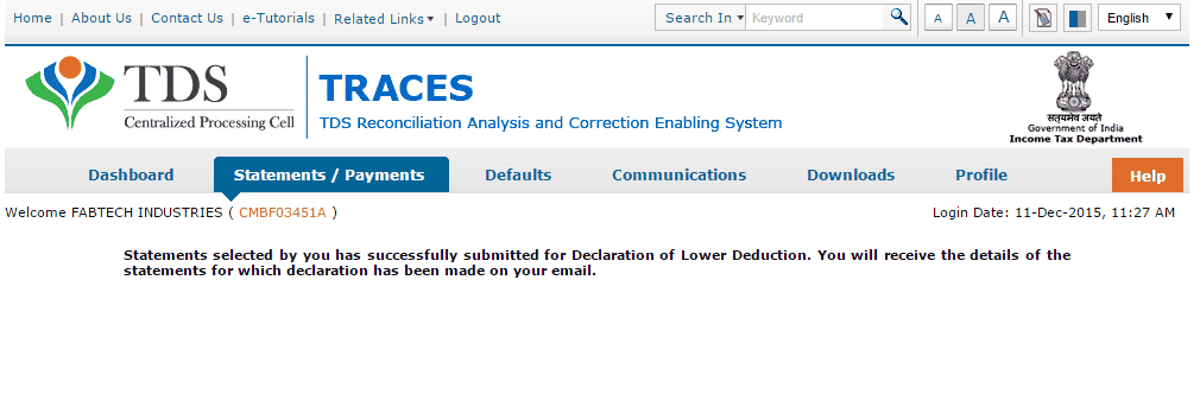

Submitting Declaration to Deposit Lower TDS
Due to various reasons there could be a reduction in TDS deduction in the current period as compared to the deduction made in the previous period. In that case Centralized Processing Cell (TDS) has enabled deductor to share relevant reasons for Lower Deduction and/or Lower Payment. Below are the steps to submit Lower TDS declaration: –
Step 1 : Login to TRACES and Navigate to Declaration to Deposit Lower TDS under Statements/ Payments Menu

Step 2 : Add statement details with respect to Financial Year, Quarter and Form Type for which declaration needs to be made
Step 3 : Add Nature of Payment and TDS Lower by %
Step 4 : Select Reasons for Lower Deduction from the drop down menu

Step 5 : Check declaration by submitting I Agree radio button



In case of any Doubt regarding Membership you can mail us at [email protected]
Join Studycafe's WhatsApp Group or Telegram Channel for Latest Updates on Government Job, Sarkari Naukri, Private Jobs, Income Tax, GST, Companies Act, Judgements and CA, CS, ICWA, and MUCH MORE!"