CBIC Opens Registrations for EMI Scheme at AEO Portal from March 01; Check Steps to Apply:
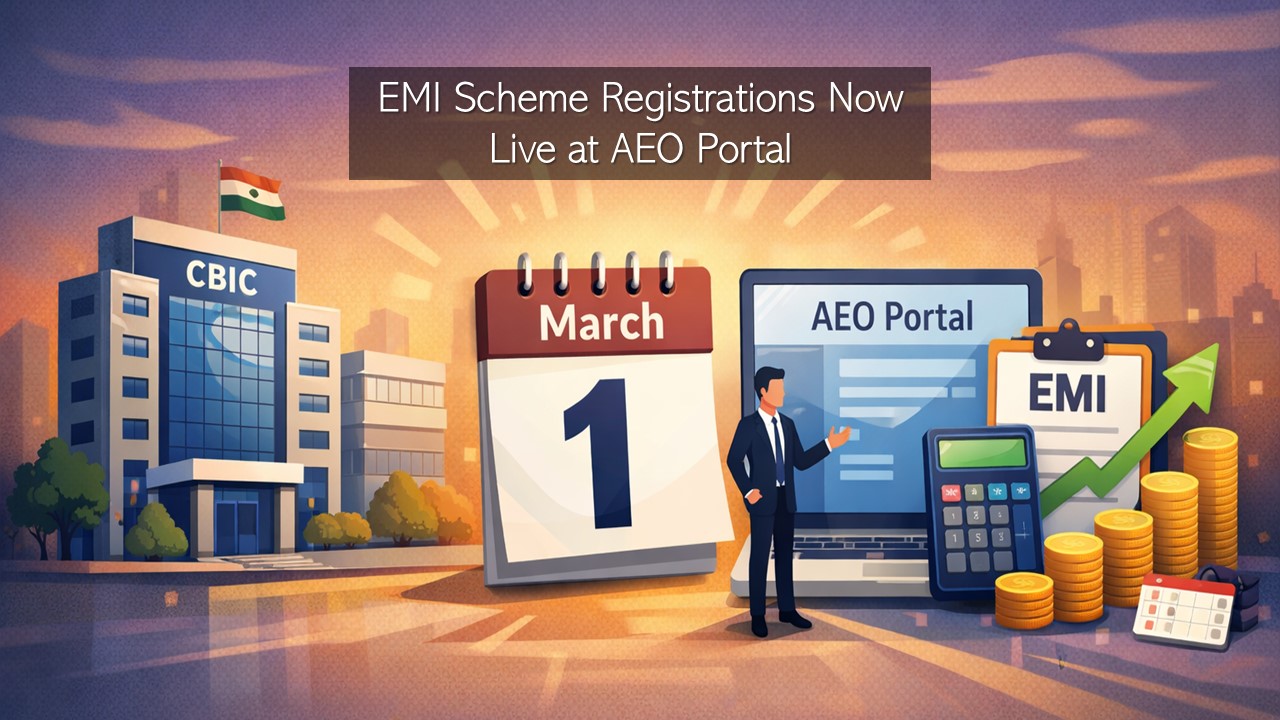
CBIC has opened registration for the EMI Scheme on the AEO India Portal from March 1, 2026, allowing eligible applicants to begin the registration process.
EMI Scheme Registrations Now Live on aeoindia.gov.in
 Saloni Kumari
 Mar 5, 2026
CBIC Opens Registrations for EMI Scheme at AEO Portal from March 01; Check Steps to Apply
The Central Board of Indirect Taxes and Customs (CBIC) has officially confirmed that the registration for the Eligible Manufacturer Importer (EMI) Scheme is now open on the AEO Portal at aeoindia.gov.in, under the tab “Eligible Manufacturer Importer". The registrations under the said scheme started from March 01, 2026.
Application filing will be enabled after the concerned Directorate of International Customs (DIC) officer approves registration. Prior to beginning the registration process, candidates should keep their 10-digit IEC details handy and keep their IEC certificate downloaded. Candidates should have a screenshot of ‘View IEC Profile’ from the DGFT portal. Make a merged PDF including the IEC Certificate and DGFT ‘View IEC Profile’ screenshot.
Candidates are advised to make sure the Email ID and Mobile Number mentioned in the DGFT ‘View IEC Profile’ screenshot should align with those filled in the EMI registration form.
Here are the detailed steps, following which candidates can complete the registration process for the EMI Scheme.
- Step 1: Visit the AEO India Portal at aeoindia.gov.in.
- Step 2: On the homepage, click on the "Registration" link. The registration form will be displayed in a pop-up window.
- Step 3: Thereafter, select “EMI” in the “Register for” dropdown. Once the scheme type is selected, DIC Zone will be automatically filled.
- Step 4: Enter details: Entity Name, IEC Number (10-digit), Mobile Number, and Email ID. Make sure details are filled as per the IEC/DGFT profile.
- Step 5: Create Username and Password. Enter the exact CAPTCHA code visible on the screen and, thereafter, click the "Submit" button.
- Step 6: Upload the merged PDF, including the IEC Certificate and screenshot of the DGFT ‘View IEC Profile’ page.
- Step 7: Confirm OTP sent to your registered email ID.
- Step 8: After successful verification of OTP, your form will be submitted, and registration will be confirmed.
About Author


Saloni Kumari
Content Writer
Saloni is a Content Writer with 2+ years of experience at studycafe.in. She writes legal, taxation, and finance related content including GST, Income Tax etc. Skilled in translating complex judicial pronouncements and regulatory developments into clear, and reader-friendly articles. Experienced in covering judgements of ITAT, High Court, GSTAT, and news related to Income Tax, GST, and corporate law. She can be reached at [email protected].
Saloni is a Content Writer with 2+ years of experience at studycafe.in. She writes legal, taxation, and finance related content including GST, Income Tax etc. Skilled in translating complex judicial pronouncements and regulatory developments into clear, and reader-friendly articles. Experienced in covering judgements of ITAT, High Court, GSTAT, and news related to Income Tax, GST, and corporate law. She can be reached at [email protected].
 StudyCafe
 Delhi, Delhi, India
 2923
2923My Recent Articles
- MCA and ICSI to Hold User Awareness Session on Form AOC-4 Filing Amid Glitches on MCA-21 Version-3 Portal
- GSTN Introduces New E-Invoicing Facility for Self-Invoices Under Reverse Charge Mechanism
- Flexi Cap vs Multi Cap Funds: What's the Real Difference?
- IBA Recommends Public Sector Banks to Reduce Ambit of Physical Branch Audits to 50% of Total Business
- ITAT Directs AO to Reconsider Rs 16.44 Lakh Capital Gains and Rs 25.87 Lakh Stamp Duty Value Addition
Up Next
Loading suggestions…


Recent Posts


All Posts


Tags
Recent Posts
All Posts