Excel, Power BI & Data Analytics for CA Students: Complete Guide:
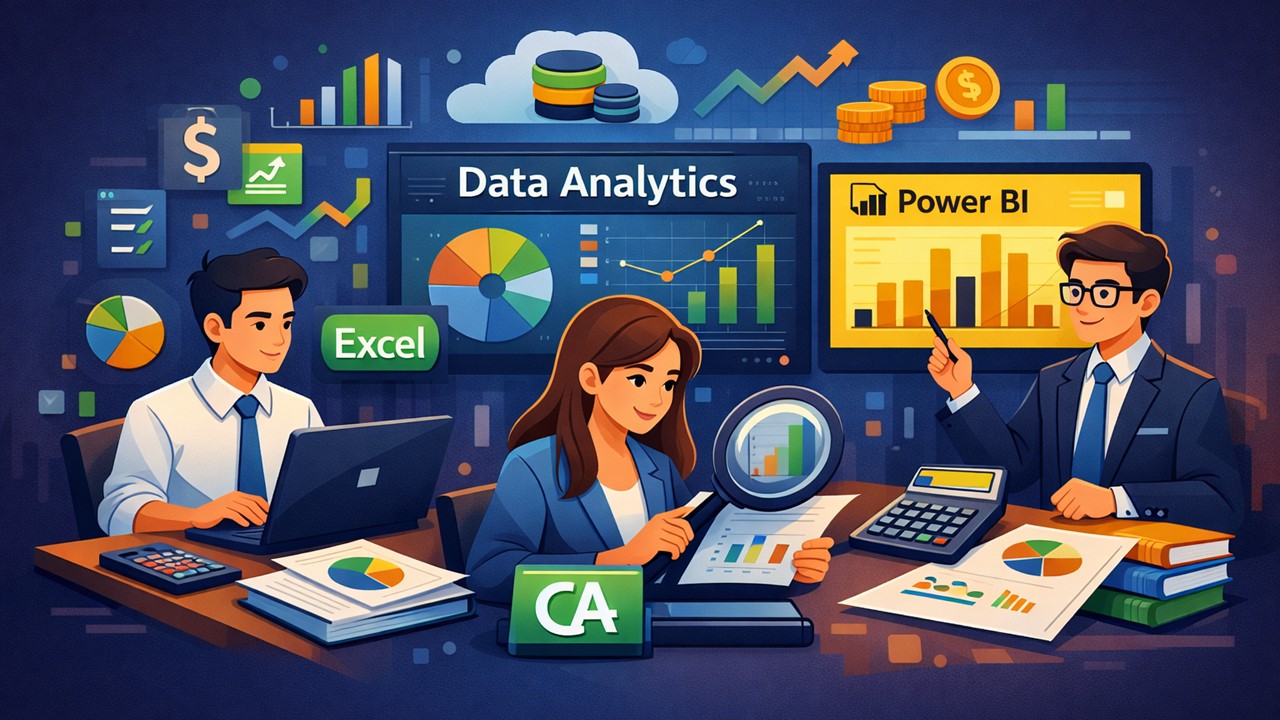
Technical knowledge of accounting standards and tax laws is now just the entry ticket. What sets you apart is your ability to work with data.
Step by Step Guide for CA Students to Learn Excel, Power BI and Data Analytics
 OneShot CA
 Feb 5, 2026
Table of Contents

Excel, Power BI & Data Analytics for CA Students: Complete Guide
Remember when articleship meant endless manual vouching and maintaining registers in thick hardbound books? Fast forward to today, and if you're still thinking Excel is just about Sum and Average functions, you're already behind the curve.
Let me tell you about my batchmate . She cleared CA Final in her first attempt. During campus placements, she confidently walked into interviews with Big 4 firms, her résumé highlighting her academic achievements. But when asked to analyze a sample dataset and present insights, she froze. The interviewer wasn't asking her to solve a complicated taxation problem or draft an audit report—just to work with data in Excel and create a simple dashboard. She couldn't.
The harsh truth? Technical knowledge of accounting standards and tax laws is now just the entry ticket. What sets you apart is your ability to work with data.
Imagine two CA students join the same company.
Student A knows accounting and taxation very well.
Student B knows accounting, taxation, Excel automation, and Power BI dashboards.
Within months, Student B becomes the go-to person for management.
Why?
Because management doesn’t just want numbers. They want insights.
And insights come from data analytics.
Why Data Skills Are Becoming Essential for CA Students?
Every business today generates massive amounts of data. Sales data. Expense data. Customer data. Inventory data. Compliance data. But raw data is useless unless someone can convert it into meaningful insights. This is where modern CAs play a critical role. For example: Instead of saying: “Sales this year were ₹5 crore.” A data-skilled CA can say: “Sales increased 20%, but profit margins dropped because discounting increased in Q3.” This kind of insight makes you valuable. Companies now expect CAs to:- Analyze trends
- Identify risks
- Detect fraud patterns
- Automate reports
- Support decision-making
Excel: Your Most Powerful Weapon (That You're Probably Underusing)
Most CA students think they know Excel because they can create a balance sheet or use VLOOKUP. That's like saying you can drive because you know how to start the engine. Here's what you're missing: Pivot Tables for Audit Analytics: Imagine you're auditing a company with 50,000 sales transactions. You need to identify unusual patterns—maybe transactions just below the threshold requiring additional documentation, or sales concentrated on specific dates. A pivot table can help you analyze this in minutes, not days. Power Query for Data Cleaning: Ever received a bank statement or vendor ledger in PDF format that you need to reconcile? Power Query can extract, transform, and load this data automatically. One of my CA friends reconciled three years of bank statements for 12 bank accounts in one afternoon using Power Query. Advanced Formulas for Financial Modeling: Functions like INDEX-MATCH, SUMIFS, IFERROR nested combinations, and array formulas become second nature when you're building valuation models or conducting ratio analysis across multiple companies. What-If Analysis for Decision Making: A client wants to know how their profitability changes with different pricing strategies and cost structures. Scenario Manager and Data Tables in Excel let you model multiple scenarios simultaneously—invaluable for management consulting assignments.Power BI: Turning Numbers into Stories
Here's where things get interesting. You can have the most accurate financial analysis in the world, but if you present it in a 50-page Excel file with multiple tabs, nobody's reading it. Not the CFO, not the audit committee, not even your articleship principal who asked for it. Power BI changes the game by turning your analysis into interactive visual stories. Real-World Application: One of the firm was consulting for a retail chain with 80+ outlets. They wanted to understand profitability patterns across locations, product categories, and seasons. They imported their sales data, inventory records, and expense allocations into Power BI. The result? An interactive dashboard where the management could filter by region, click on any store to see its performance, and instantly spot that their premium product line was underperforming in tier-2 cities but thriving in metros. They could visualize seasonal trends and identify which stores needed intervention. This wasn't just reporting—it was actionable intelligence. And it was created by CA interns, not data scientists.Why Power BI Matters for CA Students:
Audit Presentations: Instead of handing audit committees a dense report, show them interactive dashboards highlighting key risk areas, trends in internal control deficiencies, and comparative analysis. GST Compliance: Visualize GST liability trends, identify vendors with frequent discrepancies between purchase invoices and GSTR-2B, and spot unusual ITC claims. Financial Statement Analysis: Create dynamic dashboards comparing financial ratios across years or against industry benchmarks, making Due Diligence reports far more compelling.Data Analytics: The Thinking Behind the Tools.
Excel and Power BI are tools. Data analytics is the mindset. It's about asking the right questions: Why did our margins decline in Q3? Which expense categories are growing faster than revenue? Are there patterns in customer payment delays that indicate cash flow risks? Practical Example from Internal Audit: A company suspected expense fraud but couldn't pinpoint it. Using data analytics techniques, we analyzed employee expense claims looking for patterns. We found that expenses just below the approval threshold (₹4,900 when the limit was ₹5,000) occurred with suspicious frequency. Further, certain employees' claims showed identical amounts across different expense categories—a red flag. This wasn't about complex algorithms. It was about knowing what to look for and using Excel's analytical features to find it.How These Skills Help in Job and Salary Growth?
Let’s be honest. Technical knowledge is expected from every CA. But additional skills differentiate you. Companies prefer candidates who can:- Automate reports
- Create dashboards
- Analyze business performance
Step-by-Step Roadmap for CA Students:
You don’t need to learn everything at once. Follow this simple roadmap. Step 1: Master Excel Basics (2–4 weeks) Learn:- Lookup functions
- Pivot tables
- Logical formulas
- Data cleaning
- Advanced pivot tables
- Basic macros
- Dashboard creation
- Importing data
- Creating charts
- Building dashboards
- Sales analysis dashboard
- Expense analysis dashboard
- Profit trend analysis
Final Thoughts.
The role of Chartered Accountants is evolving. Earlier, CAs prepared reports. Today, CAs interpret reports. Tomorrow, CAs will drive business decisions using data. Excel, Power BI, and Data Analytics are no longer optional skills. They are essential career multipliers. Think of it like this: Accounting tells you what happened. Data analytics tells you why it happened. And Power BI helps you explain it clearly. The CA students who learn these skills early will stand out, grow faster, and build stronger careers. Because in the modern finance world, the most valuable professionals are not the ones who just know numbers—but the ones who understand the story behind them and use it to shape the future.About Author


OneShot CA
CA
 https://www.oneshotca.com/
 delhi, Delhi, India
 1
1Up Next
Loading suggestions…


Recent Posts



All Posts


Tags
Recent Posts
All Posts