How to Pay Your Income Tax Via UPI Apps Like Paytm, PhonePe or Google Pay?:
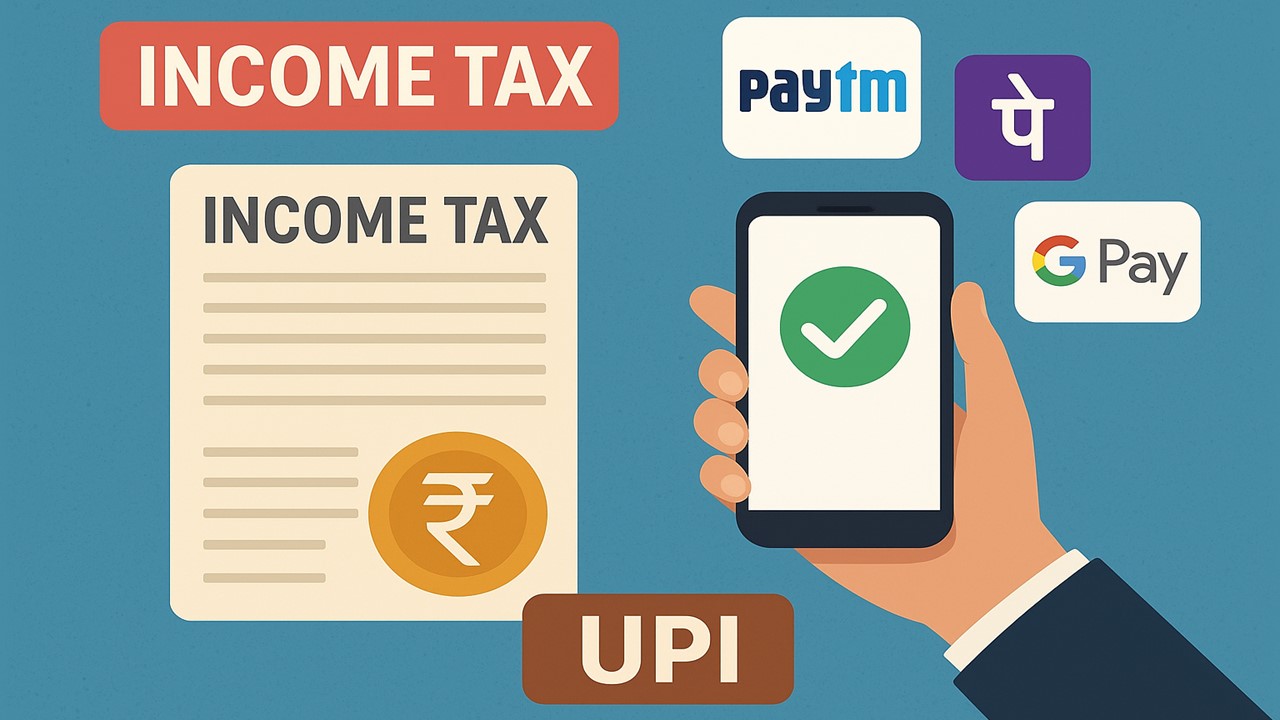
Taxpayers can easily pay their taxes, including advance tax, self-assessment tax and other direct taxes through UPI.
Pay Income Tax via UPI
 Nidhi
Nidhi Nov 17, 2025
How to Pay Your Income Tax Via UPI Apps Like Paytm, PhonePe or Google Pay?
Taxpayers can easily pay their taxes, including advance tax, self-assessment tax and other direct taxes through UPI. The money is transferred from your bank account through the UPI apps, like PhonePe, Paytm, or Google Pay, and the challan is immediately generated on the portal. Here is the step-by-step process of paying Income Tax through UPI.
Step 1: Log in to the Income Tax Portal
Go to the e-filing portal of the Income Tax Department and log in using your user ID and password. Go to your dashboard and click on 'e-pay tax'. Taxpayers can also use this option without logging in, however, it is recommended to log in, as you can track the receipt.
Step 2: Generate your Challan
Now click on New payment and choose the tax you want to pay, such as Advance tax or Self-assessment tax. Choose the relevant assessment year and submit the amount you are required to pay, and click on proceed. After the confirmation, the portal will generate a challan. You can see the amount payable and available payment methods.
Step 3: Choose the UPI Option
Choose the UPI option for paying the tax. The portal will generate a QR code. Now open the UPI app that you use, scan the QR code and make the payment. Do not close the app until it says "payment Successful".
Step 4: Download the Challan Receipt
Your payment will be updated on the e-filing tab in a few minutes. Go to the payment history and download the challan receipt. It will have a CIN (Challan Identification Number) and UTR. Make sure you email the PDF to yourself so that you can easily find it.
If the Payment Gets Stuck
Sometimes, the payment is debited from your bank, but the portal does not update the payment status, showing "pending". You do not have to pay again. Wait for up to half an hour and refresh the payment history. If it still shows pending, raise a ticket on the portal or reach out to your Bank. Usually, the failed UPI tax payments get auto-reversed to your account in a short time.
About Author


Nidhi
Content Writer
Nidhi is a skilled content writer specializing in personal finance. She creates clear, engaging articles on mutual funds, investments, insurance, and wealth-building strategies. With a passion for simplifying complex financial topics, Nidhi helps readers make informed money decisions with confidence. She can be reached at [email protected]
Nidhi is a skilled content writer specializing in personal finance. She creates clear, engaging articles on mutual funds, investments, insurance, and wealth-building strategies. With a passion for simplifying complex financial topics, Nidhi helps readers make informed money decisions with confidence. She can be reached at [email protected]
 Studycafe
 New Delhi, Delhi, India
 1832
1832My Recent Articles
- Karnataka High Court Gives Another Chance in GST Matter Due to Lack of Hearing
- Delay Should Be Condoned if Explanation is Unrefuted: ITAT
- Non-Service of Income Tax Notice, Ill health of taxpayer, ITAT condones Appeal filing delay
- Books of Accounts Cannot be Rejected Without Any Specific Defect: ITAT Kolkata
- Karnataka High Court Sends ITC Matter Back to GST Authorities for Reconsideration
Up Next
Loading suggestions…


Recent Posts

All Posts


Tags
Recent Posts
All Posts