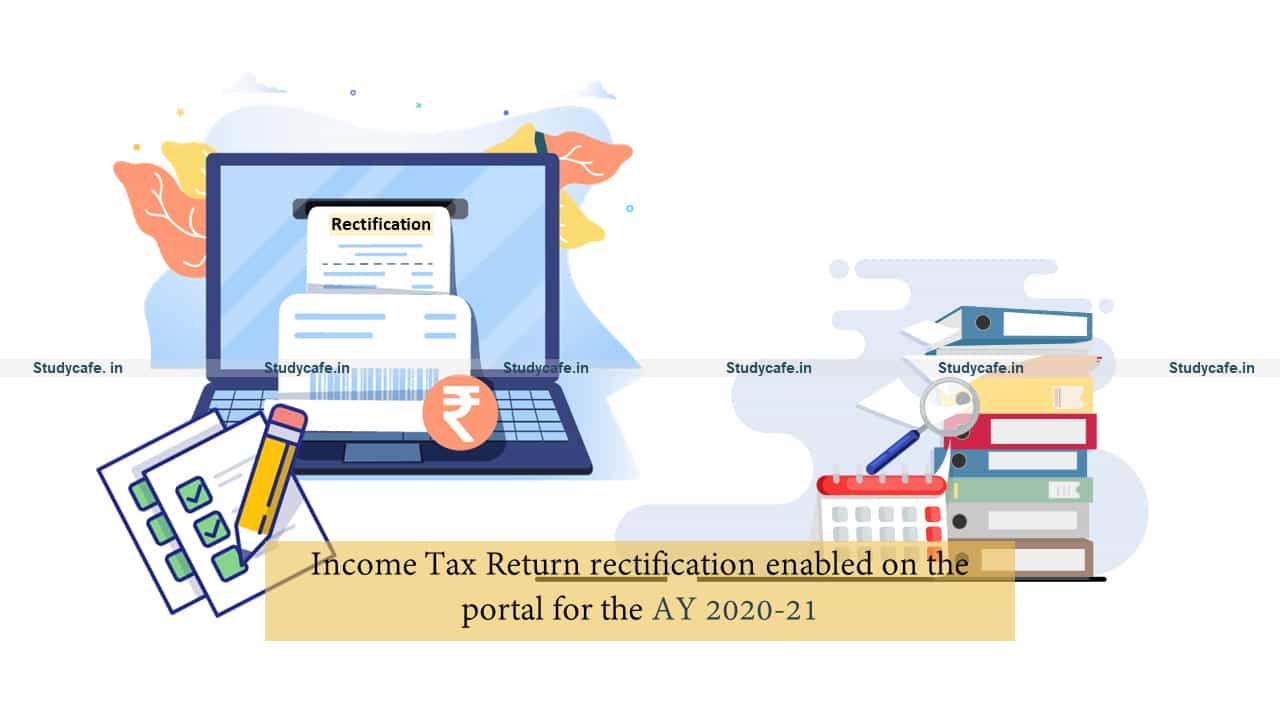
Income Tax Return rectification enabled on the portal for the AY 2020-21
Income Tax Return rectification enabled on the portal for the AY 2020-21 The Income Tax Department has enabled the Income Tax Return (ITR) Rectificat…
 Reetu
Reetu Jan 28, 2021
Income Tax Return rectification enabled on the portal for the AY 2020-21
The Income Tax Department has enabled the Income Tax Return (ITR) Rectification on the portal for the Assessment Year 2020-21.
A rectification request under section 154(1) is allowed by the Income Tax Department for correcting mistakes when there is an apparent mistake in your Income Tax Return.
The errors can be taken care of by filing a rectification namely an error of fact, an arithmetic mistake, a small clerical error and an error due to overlooking compulsory provisions of law.
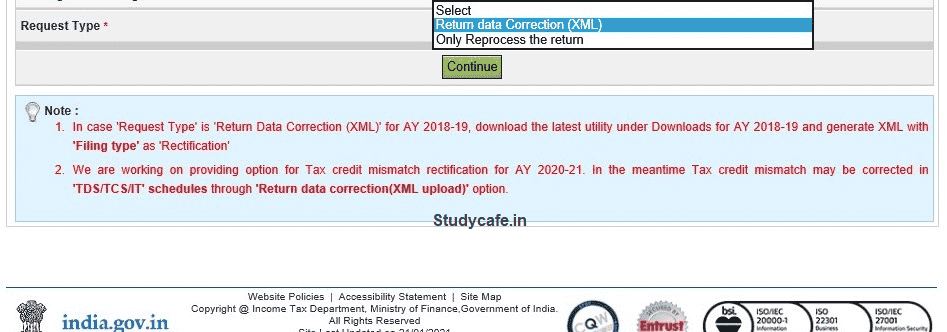 The rectification can be filed under section 154(1) by Logging in to Income Tax Website, then Go to ‘e-File’. In the drop-down select ‘Rectification’. Select the ‘Assessment Year’ for which rectification is to be filed and ‘Latest Communication Reference Number’ (as mentioned in the CPC Order). In case you have received more than 2 orders use the latest order number. Click on ‘Validate’. Select the ‘Rectification Request Type’ based on the reason for filing rectification.
Select the reason for seeking rectification and the Schedules in the return being changed. Next, you need to upload XML. You can select a maximum of 4 reasons. If you select “Reprocess the case” then this option if there is a Tax Credit mismatch or Tax/ Interest mismatch. You may select the checkbox for which reprocessing is required. No upload of an Income Tax Return is required.
The rectification can be filed under section 154(1) by Logging in to Income Tax Website, then Go to ‘e-File’. In the drop-down select ‘Rectification’. Select the ‘Assessment Year’ for which rectification is to be filed and ‘Latest Communication Reference Number’ (as mentioned in the CPC Order). In case you have received more than 2 orders use the latest order number. Click on ‘Validate’. Select the ‘Rectification Request Type’ based on the reason for filing rectification.
Select the reason for seeking rectification and the Schedules in the return being changed. Next, you need to upload XML. You can select a maximum of 4 reasons. If you select “Reprocess the case” then this option if there is a Tax Credit mismatch or Tax/ Interest mismatch. You may select the checkbox for which reprocessing is required. No upload of an Income Tax Return is required.
The rectification can be filed under section 154(1) by Logging in to Income Tax Website, then Go to ‘e-File’. In the drop-down select ‘Rectification’. Select the ‘Assessment Year’ for which rectification is to be filed and ‘Latest Communication Reference Number’ (as mentioned in the CPC Order). In case you have received more than 2 orders use the latest order number. Click on ‘Validate’. Select the ‘Rectification Request Type’ based on the reason for filing rectification.
Select the reason for seeking rectification and the Schedules in the return being changed. Next, you need to upload XML. You can select a maximum of 4 reasons. If you select “Reprocess the case” then this option if there is a Tax Credit mismatch or Tax/ Interest mismatch. You may select the checkbox for which reprocessing is required. No upload of an Income Tax Return is required.About Author


Reetu
Content Manager
Reetu is a Content Writer with 4+ years of experience in GST, Income Tax, Finance, Company Law, Education and Career Related Content. She is a B.COM (Honrs.) Graduate.
Reetu is a Content Writer with 4+ years of experience in GST, Income Tax, Finance, Company Law, Education and Career Related Content. She is a B.COM (Honrs.) Graduate.
 Studycafe
 Delhi, Delhi, India
 8071
8071My Recent Articles
- Income Tax Guide for Indian Defence Personnel for Tax Filing, Taxable Allowances and Other Benefits
- Income Tax Return Breaking: ITR Forms released for AY 25-26
- Ex-DRT Officials Sentenced to 5 Years Rigorous Imprisonment by Madras High Court along with Rs.27 Lakh Fine
- GSTN issued Advisory on Case Sensitivity in IRN Generation
- RBI to issue Notes of Rs.10 and Rs.500 bearing Signature of Guv Malhotra
Up Next
Loading suggestions…


Recent Posts


All Posts

Tags
Recent Posts
All Posts