Resolving Discrepancies Between TDS Statement and Form 26AS:
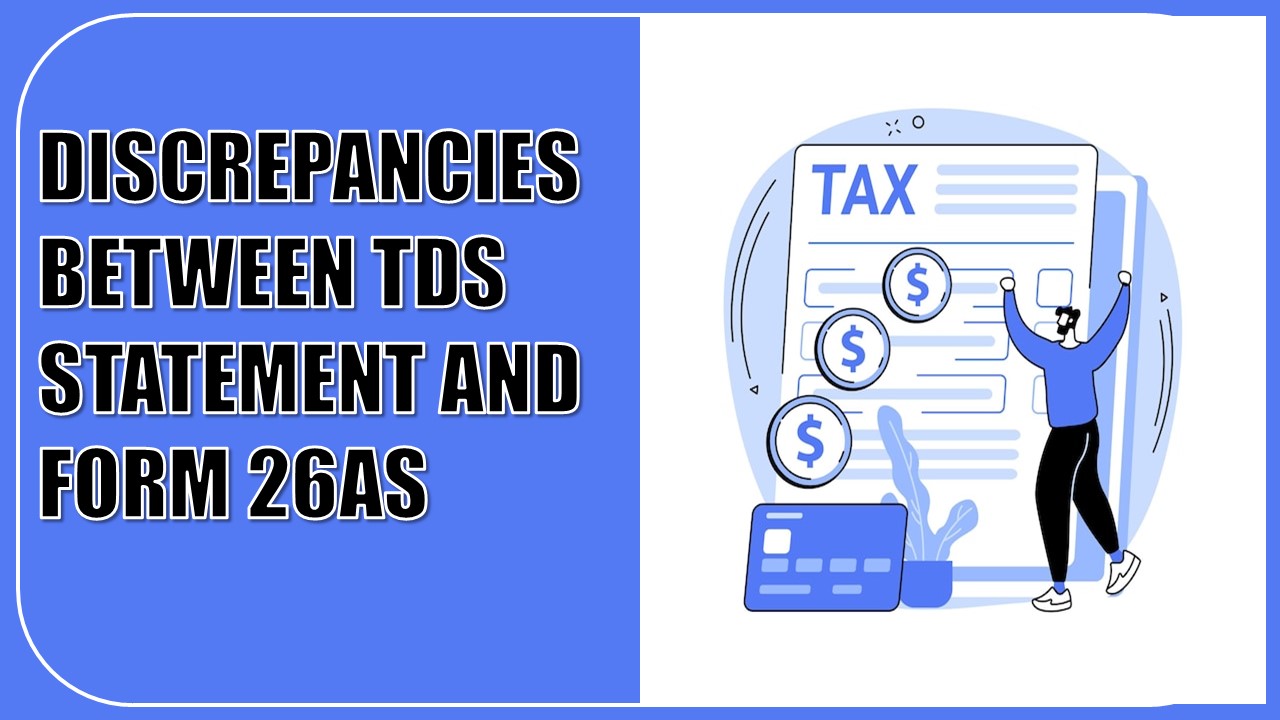
Here is a guide to understanding and resolving discrepancies between TDS statements and Form 26AS to ensure smooth income tax return filing.
Fix TDS and Form 26AS Mismatches Before Filing Your ITR
 Saloni Kumari
 May 12, 2025
Table of Contents

Resolving Discrepancies Between TDS Statement and Form 26AS
Form 16 is given to you by your employer before you file your income tax return for a financial year. It shows the tax deducted from your salary. Form 16A is used for showing tax deducted (TDS) from other income like interest or dividends. All the tax figures you see in Form 16 and Form 16A must also reflect in your tax summary, Form 26AS. But occasionally, there can be discrepancies on account of minor errors or clerical mistakes.
We will see in this article what these discrepancies can be, why they occur, and what issues they can create.
What is a TDS Statement and Form 16?
Anyone who makes payments that require TDS (Tax Deducted at Source) must file a quarterly TDS return. This return gives information about:- Who received the payment (called the deductee)
- What was the payment for
- How much tax was deducted
- Form 16 is prepared annually for salaries
- Form 16A is prepared quarterly for other income, like interest
What is Form 26AS?
Form 26AS is a summary of all the taxes related to your PAN card. Here’s how it works:- When someone subtracts TDS from your income, they transfer it to the government.
- Banks and other deductors upload this data to the government’s system.
- On the basis of this, Form 26AS is generated.

- Total income earned
- TDS/TCS deducted
- Any advance tax or self-assessment tax paid
Why Fixing Mismatches is Important
When you file your Income Tax Return (ITR), the system can pre-fill your data using your PAN. But if Form 26AS doesn’t have the correct information:- You can’t use the pre-fill feature
- Your return might get rejected
- You may get a notice from the tax department
- Your tax refund may be delayed
Common Reasons for Mismatches
TDS in Form 16/16A may not match with Form 26AS for the following reasons:- TDS not deposited on time
- Wrong amount entered in TDS return
- Incorrect PAN mentioned
- Mistake in challan number (CIN)
- Wrong PAN/TAN of the deductor
- Wrong assessment year selected
- Incomplete or missing details in the return
- Mismatch between the actual TDS deducted and reported
How to Fix These Issues
The maximum number of mismatches takes place because of wrong details in the TDS return. To fix it:- Contact your employer or deductor and ask them to file a revised TDS return with the correct details.
- If you get a notice from the Income Tax Department, you can respond online and explain the reason for the mismatch.
What Happens If It’s Not Fixed?
With automated ITR processing, mismatches are quickly noticed. The tax portal indicates your Form 26AS, so you can check and match it with your TDS details. If not fixed, you may face problems such as:- Return rejection
- Delayed refunds
- Extra paperwork to respond to notices
About Author


Saloni Kumari
Content Writer
Saloni is a Content Writer with 2+ years of experience at studycafe.in. She writes legal, taxation, and finance related content including GST, Income Tax etc. Skilled in translating complex judicial pronouncements and regulatory developments into clear, and reader-friendly articles. Experienced in covering judgements of ITAT, High Court, GSTAT, and news related to Income Tax, GST, and corporate law. She can be reached at [email protected].
Saloni is a Content Writer with 2+ years of experience at studycafe.in. She writes legal, taxation, and finance related content including GST, Income Tax etc. Skilled in translating complex judicial pronouncements and regulatory developments into clear, and reader-friendly articles. Experienced in covering judgements of ITAT, High Court, GSTAT, and news related to Income Tax, GST, and corporate law. She can be reached at [email protected].
 StudyCafe
 Delhi, Delhi, India
 2922
2922My Recent Articles
- GSTN Introduces New E-Invoicing Facility for Self-Invoices Under Reverse Charge Mechanism
- Flexi Cap vs Multi Cap Funds: What's the Real Difference?
- IBA Recommends Public Sector Banks to Reduce Ambit of Physical Branch Audits to 50% of Total Business
- ITAT Directs AO to Reconsider Rs 16.44 Lakh Capital Gains and Rs 25.87 Lakh Stamp Duty Value Addition
- ITAT Remands Rs 3.33 Crore Demonetisation Cash Deposit Case to AO, Directs Rs 10,000 Relief Fund Payment
Up Next
Loading suggestions…


Recent Posts


All Posts

Tags
No tags yet.
Recent Posts
All Posts
Tags
No tags yet.