Submitting Declaration to Deposit Lower TDS
Submitting Declaration to Deposit Lower TDS Due to various reasons there could be a reduction in TDS deduction in the current period as comp
 CA Pratibha Goyal
 Jun 1, 2019
Submitting Declaration to Deposit Lower TDS
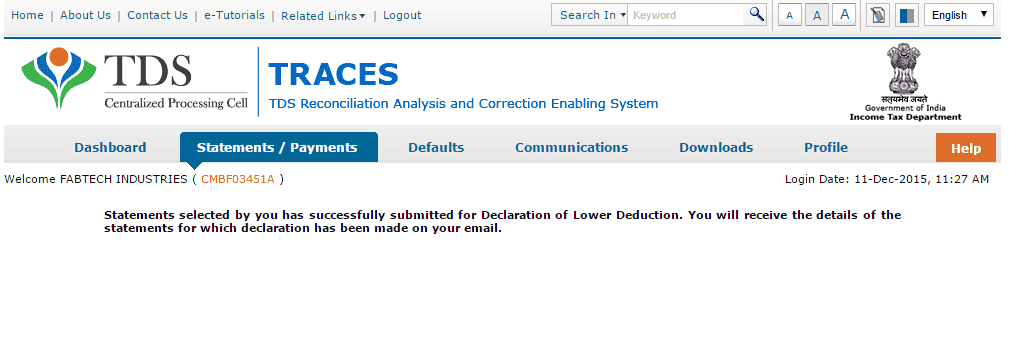
Due to various reasons there could be a reduction in TDS deduction in the current period as compared to the deduction made in the previous period. In that case Centralized Processing Cell (TDS) has enabled deductor to share relevant reasons for Lower Deduction and/or Lower Payment. Below are the steps to submit Lower TDS declaration: -
Step 1 : Login to TRACES and Navigate to Declaration to Deposit Lower TDS under Statements/ Payments Menu

Step 2 : Add statement details with respect to Financial Year, Quarter and Form Type for which declaration needs to be made
Step 3 : Add Nature of Payment and TDS Lower by %
Step 4 : Select Reasons for Lower Deduction from the drop down menu

Step 5 : Check declaration by submitting I Agree radio button

About Author


CA Pratibha Goyal
Co Founder
 Studycafe
 New Delhi, Delhi, India
 1486
1486My Recent Articles
- Biggest Labour Reform in Indian History: 4 Labour Codes Effective from today
- Tax Audit and ITR Due date not extended in this case: Know More
- Government notifies Agreement and Protocol between India and Qatar [Read Notification]
- CA Breaking: Results of ICAI Examination to be announced soon, Know probable Date
- Breaking: GSTR-3B Due Date for September 2025 extended by CBIC amid Diwali Festivities
Loading suggestions…


Recent Posts



All Posts



Tags
No tags yet.
Recent Posts
All Posts
Tags
No tags yet.