Understand What is Taxpayer Information Summary (TIS), Know How to Access TIS Online:
TIS can be accessed online via the Income Tax e-filing portal or mobile app. Know step-by-step procedure to access it online at the official website of Income-tax e-filing.
Know Steps to Access TIS Information Online
 Saloni Kumari
 May 15, 2025
Table of Contents

Understand What is Taxpayer Information Summary (TIS), Know How to Access TIS Online
The Annual Information Statement (AIS) gives complete details about a taxpayer’s income and financial activities for a financial year. The Taxpayer Information Summary (TIS) is a simplified version of this data, organised by category.
The AIS-TIS includes details like income, financial transactions, tax payments, and any income tax proceedings. A taxpayer can view this information by logging into their income-tax e-filing account or using the "AIS for Taxpayer" mobile app. If any information in the AIS is wrong, repeated, or belongs to someone else, the taxpayer can send feedback to get it corrected.
Steps to Access TIS Information Online
- Step 1: Visit the official website of Income-tax e-filing at https://www.incometax.gov.in/.
- Step 2: Login there using the required credentials. If you are a new user, you will be required to first register on the e-filing portal.
- Step 3: After successful login, click on Services > Annual Information Statement (AIS) on the homepage.
- Step 4: A message will be displayed on the screen. Click the 'Proceed' button there.
- Step 5: The upcoming screen will display essential instructions relating to AIS and TIS. The Taxpayer Information Summary (TIS) shows the details from the AIS, sorted by category. It displays both the original values and the updated values (after the taxpayer gives feedback). The updated values in the TIS are used to auto-fill parts of the income tax return.
- Step 6: Now, click on next tab of ‘AIS’. You will be redirected to a new screen where two options will be visible on screen i.e., TIS and AIS. Choose the relevant financial year from the drop-down and click on the TIS tile to view the information.
- Step 7: The Next screen will show information available in TIS.
Password to open AIS or TIS
The Password to open AIS or TIS is same as your Income Tax notice. It is your PAN in lower case and then your Date of Birth in DDMMYY Format. For Example PAN of Mr X is ABCDE1234F and he was born on 17th January 2002. His password is abcde1234f12012002.Information in AIS or TIS
AIS is the extension of Form 26AS. Form 26AS displays details of property purchases, high-value investments, and TDS/TCS transactions carried out during the financial year. AIS additionally includes savings account interest, dividend, rent received, purchase and sale transactions of securities/immovable properties, foreign remittances, interest on deposits, GST turnover etc. AIS also provides the taxpayer the option to give feedback on the transactions reported. Further, the aggregation of transactions on information source level is also reported in TIS.About Author


Saloni Kumari
Content Writer
Saloni is a Content Writer with 2+ years of experience at studycafe.in. She writes legal, taxation, and finance related content including GST, Income Tax etc. Skilled in translating complex judicial pronouncements and regulatory developments into clear, and reader-friendly articles. Experienced in covering judgements of ITAT, High Court, GSTAT, and news related to Income Tax, GST, and corporate law. She can be reached at [email protected].
Saloni is a Content Writer with 2+ years of experience at studycafe.in. She writes legal, taxation, and finance related content including GST, Income Tax etc. Skilled in translating complex judicial pronouncements and regulatory developments into clear, and reader-friendly articles. Experienced in covering judgements of ITAT, High Court, GSTAT, and news related to Income Tax, GST, and corporate law. She can be reached at [email protected].
 StudyCafe
 Delhi, Delhi, India
 2922
2922My Recent Articles
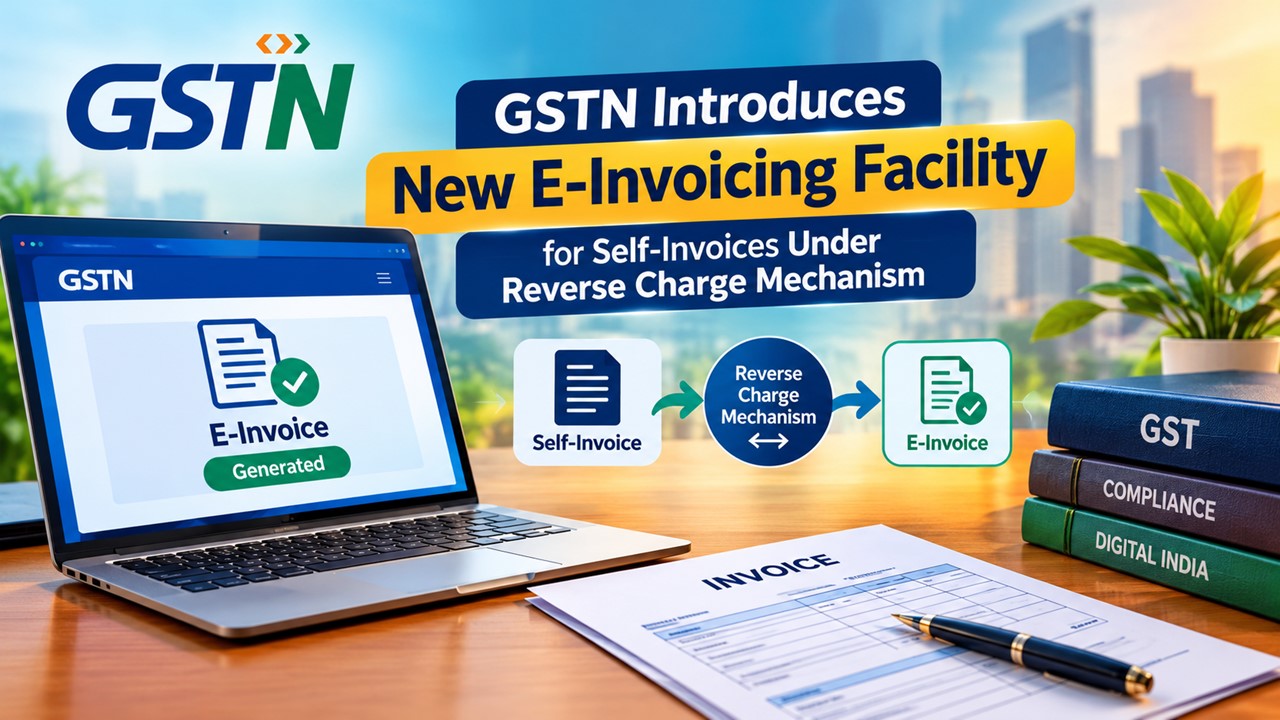
- GSTN Introduces New E-Invoicing Facility for Self-Invoices Under Reverse Charge Mechanism
- Flexi Cap vs Multi Cap Funds: What's the Real Difference?
- IBA Recommends Public Sector Banks to Reduce Ambit of Physical Branch Audits to 50% of Total Business
- ITAT Directs AO to Reconsider Rs 16.44 Lakh Capital Gains and Rs 25.87 Lakh Stamp Duty Value Addition
- ITAT Remands Rs 3.33 Crore Demonetisation Cash Deposit Case to AO, Directs Rs 10,000 Relief Fund Payment
Up Next
Loading suggestions…


Recent Posts


All Posts


Tags
No tags yet.
Recent Posts
All Posts
Tags
No tags yet.