Shriya Mishra | Jun 16, 2025 |
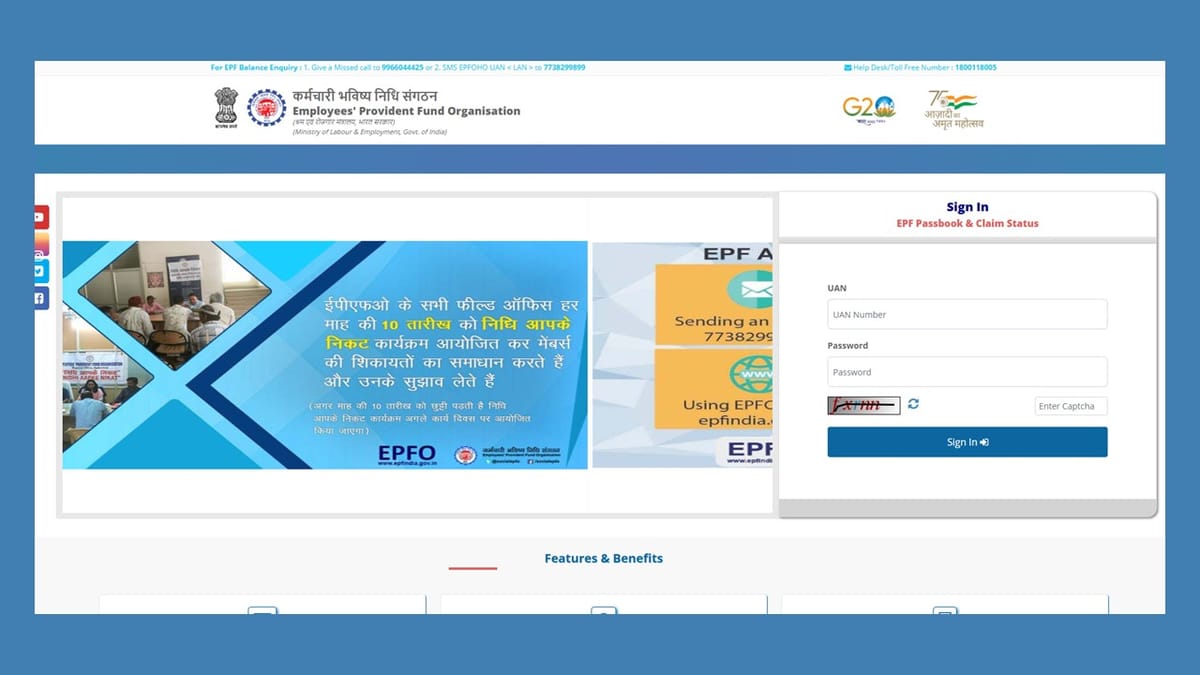

Updating Job History on EPFO: Do You Need to Submit Documents?
The EPFO or Employees’ Provident Fund Organisation has made the procedure of updating or rectifying personal and work-related information easy. If an employee is enrolled as an EPF member who wishes to update their employment history, which accounts for their joining and concluding dates of service in an organisation, such information can be easily updated or corrected with EPFO’s more simplified rules.

With the updated rules, the EPF members who have their Universal Account Number (UAN) validated via Aadhaar can now update their profile details, such as name, DOB, gender, parents’ names, marital status, nationality, date of joining and date of leaving, without submitting any documents on the portal.
As per the official social media account of the EPFO, “You can update your date of joining and leaving in your EPF account without needing to upload documents or get employer approval. EPFO puts the power in your hands.”
You can update your date of joining and leaving in your EPF account without needing to upload documents or get employer approval.
EPFO puts the power in your hands.#EPFOwithYou #EPFOmembers #HumHainNaa #EPFO #ईपीएफओ #EPF #ईपीएफ #EPS #ईपीएस #पीएफ #EaseOfService #EPFOSimplified… pic.twitter.com/KvFj1P4COF— EPFO (@socialepfo) June 1, 2025
The members who had their UANs generated before October 1, 2017, the procedure varies a little for them. In this sort of case, the updation may require an employer certification, as the older UANs might not be Aadhaar validated.
Previously, the EPF members were mandated to upload documents and avail their employer’s permission in order to update their date of joining or leaving. But after following a recent modification, these updates can be directly made through the EPFO Portal without the need of obtaining employer approval (only for eligible members).
Steps to update exit date on EPF Portal:
After the completion of the procedure, the portal will exhibit a message stating that your date of exit has been successfully updated.

In case of any Doubt regarding Membership you can mail us at [email protected]
Join Studycafe's WhatsApp Group or Telegram Channel for Latest Updates on Government Job, Sarkari Naukri, Private Jobs, Income Tax, GST, Companies Act, Judgements and CA, CS, ICWA, and MUCH MORE!"