Major GST Overhaul for FY 2024-25: Key Changes in GSTR-9 and GSTR-9C Reporting:
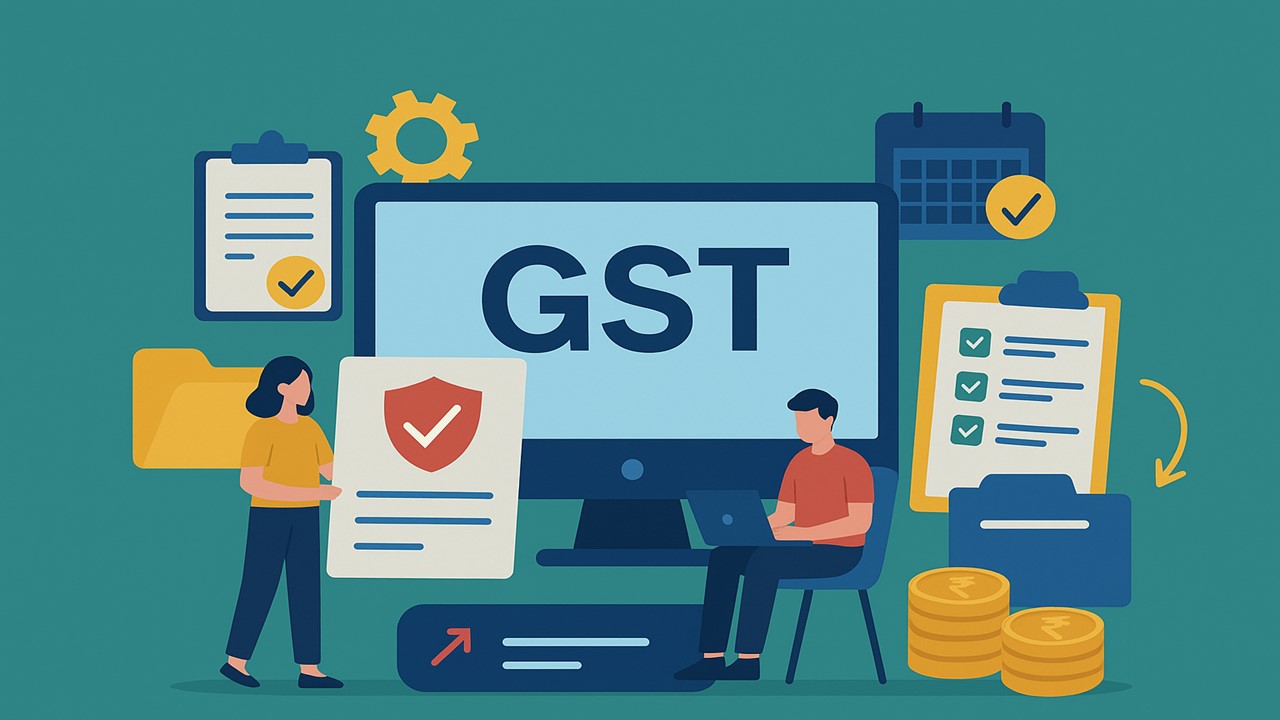
Comprehensive guide on GSTR-9 and GSTR-9C for FY 2024-25 Auto-Population, ITC Reporting, Table Changes and Late Fees.
Here's Important ITC and Auto-Population Changes Taxpayers Must Know
 Vanshika verma
 Dec 2, 2025
Major GST Overhaul for FY 2024-25: Key Changes in GSTR-9 and GSTR-9C Reporting
This Article discusses some of the key changes to GSTR-9 and GSTR-9C Forms this year.
Your GSTR-9 and GSTR-9C for FY 2024-25 will only become available once you finish filing all your GSTR-1 and GSTR-3B returns for that year. As soon as you file every pending return for 2024-25, the system will automatically enable GSTR-9 and GSTR-9C for you.
For FY 2024-25, Table 8A of GSTR-9 will show all inward supply invoices that belong to that year, based on what appears in GSTR-2B. Even if an invoice for 2024-25 gets reported late and appears in GSTR-2B during April to October 2025, it will still be included in Table 8A. But invoices from the previous year (2023-24) will not be included in Table 8A, even if they appear late in GSTR-2B between April and October 2024. Anything you do on the IMS Dashboard does not change your GSTR-9 automatically. The IMS Dashboard is only a tool to help you check and manage your input tax credit details. Even if you update or correct something there, it won’t directly update the numbers in GSTR-9 you must report the correct figures yourself while filing GSTR-9.
From the financial year 2024-25, taxpayers will find it easier to file their annual GST returns. Any changes or additions made through GSTR 1A the form used to correct or update outward supplies, will now be automatically included in Tables 4 and 5 of GSTR 9, along with data from GSTR 1 and the Invoice Furnishing Facility (IFF).
Table 6A1 in GSTR 9 for the financial year 2024-25 is meant to capture Input Tax Credit (ITC) from the previous year (FY 2023-24) that the recipient claims in the current year (FY 2024-25) within the allowed time frame.This amount will also be reflected in Table 6A of GSTR 9 for FY 2024-25. However, any ITC from FY 2023-24 or earlier that is claimed in the current year under Rule 37 or 37A should not be reported in Table 6A1.
The amount in Table 6A2 (calculated as 6A minus 6A1) represents the Input Tax Credit (ITC) for the current financial year (FY 2024-25). This ITC is then divided across Tables 6B to 6H as required. Since ITC from the preceding year (FY 2023-24) is already excluded in Table 6A1, it will not create any discrepancies in Table 6J of GSTR 9, a problem that used to occur in earlier years.This change makes annual ITC reporting more accurate and reduces reconciliation issues.
If you claimed or re-claimed Input Tax Credit (ITC) in 2024-25 for invoices that belonged to the previous year (2023-24), you must report it in Table 6A1 of GSTR-9 for any reason other than rule 37/37A. But if the ITC was reclaimed because of Rule 37 or Rule 37A, then you have to show it in Table 6H.Table 6A of GSTR-9 automatically picks up ITC figures from Table 4A of GSTR-3B for the whole year from April 2024 to March 2025. If you have both claimed and reversed ITC within the same financial year 2024-25, then you must show the claim in Table 6B of GSTR-9 and the reversal in Table 7.
However, nothing has changed in how you report details in Table 6M of GSTR-9. Only the name/label was updated to match the instructions already given in the official form. As per those instructions, any ITC claimed through ITC-01, ITC-02, and ITC-02A must be shown in Table 6M. To make things easier for taxpayers, GST now provides an Excel file showing all the invoice-wise details that are used to auto-fill Table 8A of GSTR-9. This file can be downloaded from the GSTR-9 dashboard under the option "Download Table 8A Document Details". Taxpayers can check all invoices, debit notes, and credit notes included in the auto-populated amount.
In a move aimed at simplifying annual return filing, GST authorities have introduced an option for taxpayers to download invoice-wise details used in auto-populating Table 8A of GSTR-9. The information is available as an Excel file titled "Download Table 8A Document Details" on the GSTR-9 dashboard. This allows taxpayers to verify all invoices, debit notes, and credit notes that form the basis of the values reflected in Table 8A. A recent GST circular says that late fees will now apply if you delay filing your complete annual return – this includes GSTR-9 and GSTR-9C. A new Table 17 has been added in GSTR-9C to show how much late fee is payable and how much has been paid. The late fee for GSTR-9 is calculated from the day after the due date until the day you actually file GSTR-9.
For GSTR-9C, the late fee counts from the later of these two dates - the date you filed GSTR-9, or the due date of the annual return - and continues until the date you file GSTR-9C. The portal will automatically compute all these late fees based on your filing dates.
Click on the link below to Download GSTN FAQs on GSTR-9
About Author


Vanshika verma
Content Writer
Vanshika Verma is a Content Writer with 1+ year of experience at Studycafe.in. A B.Com graduate from Delhi University, She writes articles on Finance, Tax, ICAI, GST, and the latest financial news, with a focus on making complex topics easy for readers and professionals.
Vanshika Verma is a Content Writer with 1+ year of experience at Studycafe.in. A B.Com graduate from Delhi University, She writes articles on Finance, Tax, ICAI, GST, and the latest financial news, with a focus on making complex topics easy for readers and professionals.
 Studycafe
 Delhi, Delhi, India
 2096
2096My Recent Articles
- Pinarayi Vijayan Moves Supreme Court Challenging Kerala High Court Order to Register FIR in CMRL Alleged Bribery Case
- CBI Lays Trap in Srinagar, Arrests SMC Ward Officer Red-Handed While Allegedly Accepting Rs 10,000 Bribe
- NIIT Limited Discloses Income Tax Department’s Appeal Before Delhi ITAT, Says No Adverse Financial Impact Expected
- Fake WhatsApp Boss Dupes Company Accountant of Rs 40 Lakh; Surat Police Arrest Haryana Man in Cyber Fraud Case
- Uttarakhand Tax Department Detects Rs 2.5 Crore Tax Evasion at Ramnagar Resort
Up Next
Loading suggestions…


Recent Posts


All Posts


Tags
Recent Posts
All Posts