Mandatory to Link Aadhaar with UAN; Know Step by Step Process:
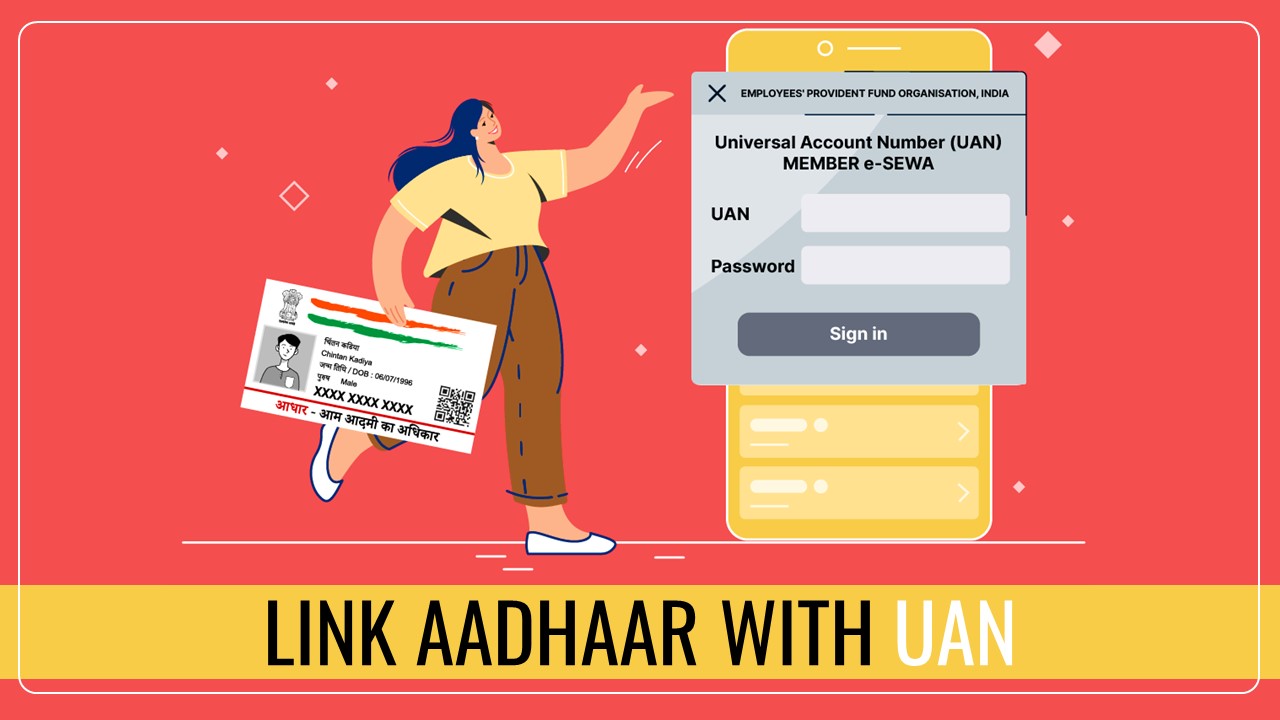
Salaried individuals deposit a certain portion of their salary in the PF account. Now the government has made it mandatory to link UAN with Aadhaar card.
Link Aadhaar with UAN
 Reetu
Reetu Sep 21, 2023
Table of Contents

Mandatory to Link Aadhaar with UAN; Know Step by Step Process
Salaried individuals deposit a certain portion of their salary in the PF account. This aid helps in continuing the income source after retirement. Contribution is made to this account by the company along with the employee. Now the government has made it mandatory to link UAN with Aadhaar card. Let's Know what is the process of linking UAN account with Aadhaar.
In PF account along with the account holder, the company also has to contribute. If a company ever does not contribute, the government collects Employee Cum Return (ECR) challan from it. Apart from this, now the government has made it mandatory to link EPFO account with Aadhaar card. In such a situation, you must know whether your PF account is linked to Aadhaar or not.
How to Check Status?
- First of all you have to go to the EPFO portal.
- After this you log in with the help of UAN number and password.
- After logging in, you have to go to the Manage tab and select the KYC option.
- Now click on the Verified Document tab.
- If you see Aadhaar data on the screen, it means your Aadhaar card is linked. If the information is not available, you will need to link the Aadhar card.
How to Link UAN with Aadhaar?
- You have to go to the official portal of EPFO and log in using your UAN number and password.
- Now enter your UAN number.
- After this, you will receive OTP on your registered mobile number.
- You will have to verify it by entering the OTP.
- After this you fill the information related to your Aadhaar.
- Now OTP will come on your registered email ID and phone.
- As soon as you verify the OTP, your Aadhaar will be linked to UAN.
You can also Link UAN with Aadhaar via Members Portal
You can also link to the member portal of EPF. For this you will have to log in to the official portal of EPF. After this you will have to select the KYC option. Now enter your Aadhaar information and click on submit. After submission, it will be shown in Pending KYC. As soon as it is approved, it will be forwarded to the employer.About Author


Reetu
Content Manager
Reetu is a Content Writer with 4+ years of experience in GST, Income Tax, Finance, Company Law, Education and Career Related Content. She is a B.COM (Honrs.) Graduate.
Reetu is a Content Writer with 4+ years of experience in GST, Income Tax, Finance, Company Law, Education and Career Related Content. She is a B.COM (Honrs.) Graduate.
 Studycafe
 Delhi, Delhi, India
 8071
8071My Recent Articles
- Income Tax Guide for Indian Defence Personnel for Tax Filing, Taxable Allowances and Other Benefits
- Income Tax Return Breaking: ITR Forms released for AY 25-26
- Ex-DRT Officials Sentenced to 5 Years Rigorous Imprisonment by Madras High Court along with Rs.27 Lakh Fine
- GSTN issued Advisory on Case Sensitivity in IRN Generation
- RBI to issue Notes of Rs.10 and Rs.500 bearing Signature of Guv Malhotra
Up Next
Loading suggestions…


Recent Posts



All Posts



Recent Posts
All Posts