CBDT Mandate: PAN to Go Inactive from Jan 1, 2026 If Not Linked with Aadhaar:
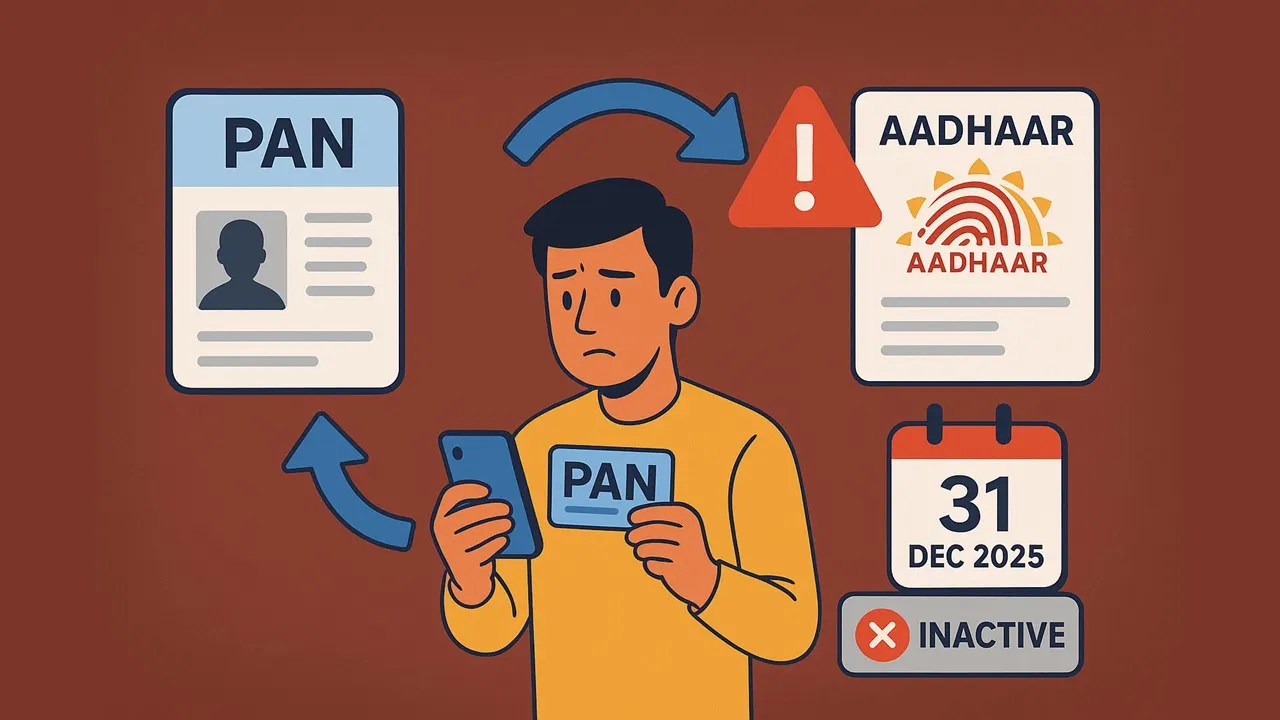
The Central Board of Direct Taxes mandates PAN Aadhaar linking by December 31, 2025, or your PAN will become inactive from January 1, 2026.
PAN-Aadhaar Linking Now Mandatory For All Taxpayers
 Vanshika verma
 Nov 4, 2025
Table of Contents

CBDT Mandate: PAN to Go Inactive from Jan 1, 2026 If Not Linked with Aadhaar
The Central Board of Direct Taxes (CBDT) has made it compulsory for everyone to link their PAN with their Aadhaar. If you don't do this before the deadline, your PAN will become inactive, and you won't be able to use it for any financial or official work.
The government has scheduled December 31, 2025, as the last date to link PAN with Aadhaar. PAN cards not linked by the deadline will be deactivated from January 1, 2026.
The new process now requires people applying for a new PAN card to verify their identity using their Aadhaar. This helps make sure that a person’s details are the same in both their PAN and Aadhaar records.
What happens if my PAN is deactivated?
If you lose your PAN card, it may attract trouble with the authorities. Other than this, you may face many problems:- You can’t open a bank or demat account or make cash or fixed deposits over Rs. 50,000.
- Since a demat account needs a PAN, you can't invest in the stock market or start SIPs.
- You can't apply for government financial schemes.
- Banks won't give you loans without an active PAN.
- You can't buy or sell property or vehicles.
- You can't do foreign currency transactions over Rs. 50,000.
- PAN is also required to run a business.
How to link PAN with Aadhaar?
You can easily link your PAN with Aadhaar by following the below-mentioned step: Step 1: Go to the Income Tax e-filing portal. Step 2: Click on the 'Link Aadhaar' tab on the left panel. Step 3: Enter your PAN and Aadhaar number and select the 'validate' button. Step 4: This will finish the procedure to link your PAN to your Aadhaar number.About Author


Vanshika verma
Content Writer
Vanshika Verma is a Content Writer with 1+ year of experience at Studycafe.in. A B.Com graduate from Delhi University, She writes articles on Finance, Tax, ICAI, GST, and the latest financial news, with a focus on making complex topics easy for readers and professionals.
Vanshika Verma is a Content Writer with 1+ year of experience at Studycafe.in. A B.Com graduate from Delhi University, She writes articles on Finance, Tax, ICAI, GST, and the latest financial news, with a focus on making complex topics easy for readers and professionals.
 Studycafe
 Delhi, Delhi, India
 2186
2186My Recent Articles
- Bharti Airtel Receives Rs 1.07 Lakh Penalty Notice From DoT Maharashtra Over Alleged Subscriber Verification Violations
- Rashi Peripherals Faces Rs 2.15 Crore Customs Duty and Penalty Demand Over Alleged Misclassification of Imported Goods, Considers CESTAT Appeal
- High-Profile Birthday Party at Rajkot's Saraza Hotel Raided by LCB; Prominent Industrialists and Business Leaders Under Scanner
- CBI Academy Hosts One-Week International ITEC Training Programme to Enhance Skills in Anti-Corruption Investigation and Recovery of Illicit Assets
- ITAT Remands Income Tax Appeal for Fresh Adjudication After Issuance of Order Without Proper Hearing Opportunity
Up Next
Loading suggestions…


Recent Posts


All Posts

Tags
Recent Posts
All Posts