Facing Refund Delays? Lower TDS Certificate Might Be a Solution:
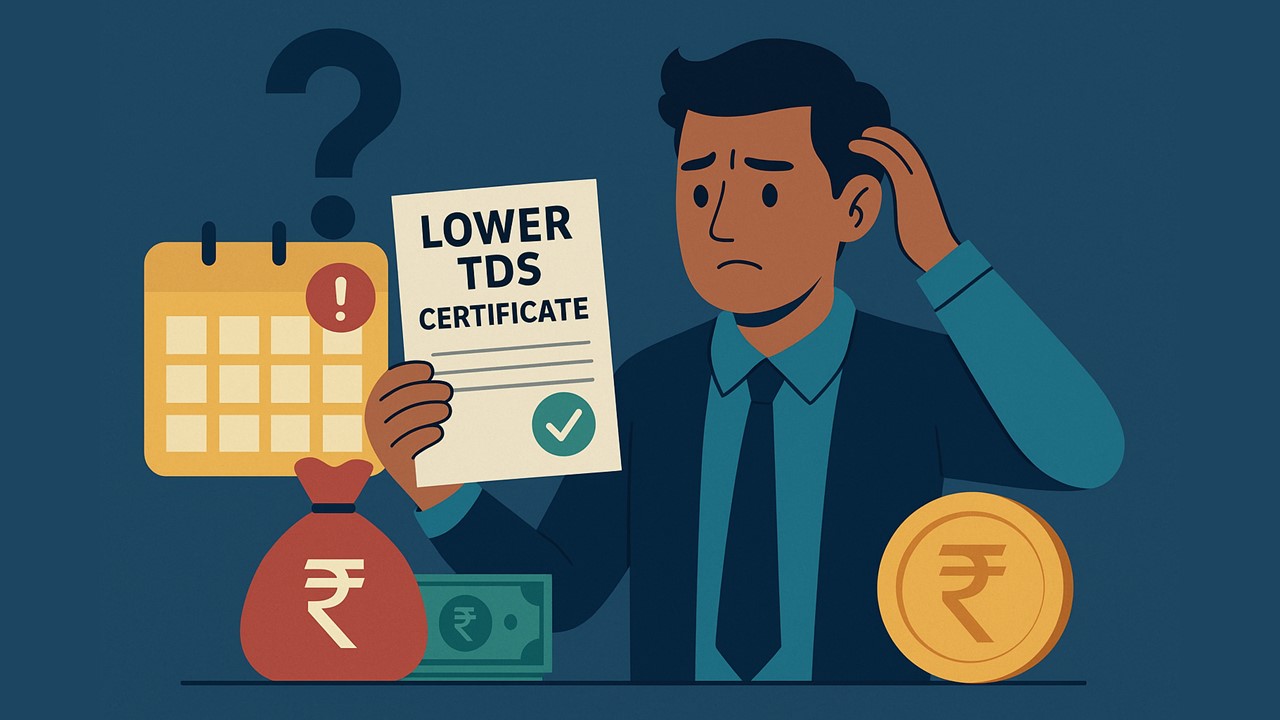
A step-by-step explanation to help taxpayers apply for Form 13 and prevent extra TDS deductions.
A Smart Way To Avoid Excess TDS Deductions During Refund Delays
 Vanshika verma
 Nov 28, 2025
Facing Refund Delays? Lower TDS Certificate Might Be a Solution
If a person knows that their actual tax payable will be very low or zero, they can request the officer to give them a certificate so that less TDS or no TDS at all is cut from their income. This helps prevent extra tax being deducted upfront.
Who can apply for a certificate?
Anyone can apply for a Nil or Lower TDS certificate; it doesn’t matter if you are an individual, a firm, a resident, a non-resident, an Indian company, or a foreign company.
Which incomes are eligible for a no deduction/lower deduction certificate?
You can get this certificate only for the following types of income:
- TDS from Dividend (Section 194)
- TDS from Income Distributed by Business Trust 1 (Section 194LBA)
- TDS from Salaries (Section 192)
- TDS from Interest on Securities (Section 193)
- TDS from payment of a certain sum for purchase of goods (Section 194Q)
- TDS from payment of any other income to a Non-Resident (Section 195)
- TDS from Income in respect of units of Investment Fund (Section 194LBB)
- TDS from Interest other than Interest on Securities (Section 194A)
- TDS from Payment to Contractors (Section 194C)
- TDS from the Insurance Commission (Section 194D)
- TDS from commission on sale of lottery tickets (Section 194G)
- TDS from Commission or broking (Section 194H)
- TDS from Rent (Section 194-I)
- TDS from Fees for professionals or technical services (Section 194J)
- TDS from income in respect of units (Resident) (Section 194K)
- TDS from payment of compensation on compulsory acquisition of an immovable property (Section 194LA)
- TDS from Income in respect of investment in Securitization Trust (Section 194LBC)
- TDS from the payment made to a contractor or a professional by certain individuals or Hindu undivided family (Section 194M)
- TDS from the payment made to e-commerce participants (Section 194-O)
About Author


Vanshika verma
Content Writer
Vanshika Verma is a Content Writer with 1+ year of experience at Studycafe.in. A B.Com graduate from Delhi University, She writes articles on Finance, Tax, ICAI, GST, and the latest financial news, with a focus on making complex topics easy for readers and professionals.
Vanshika Verma is a Content Writer with 1+ year of experience at Studycafe.in. A B.Com graduate from Delhi University, She writes articles on Finance, Tax, ICAI, GST, and the latest financial news, with a focus on making complex topics easy for readers and professionals.
 Studycafe
 Delhi, Delhi, India
 2096
2096My Recent Articles
- Pinarayi Vijayan Moves Supreme Court Challenging Kerala High Court Order to Register FIR in CMRL Alleged Bribery Case
- CBI Lays Trap in Srinagar, Arrests SMC Ward Officer Red-Handed While Allegedly Accepting Rs 10,000 Bribe
- NIIT Limited Discloses Income Tax Department’s Appeal Before Delhi ITAT, Says No Adverse Financial Impact Expected
- Fake WhatsApp Boss Dupes Company Accountant of Rs 40 Lakh; Surat Police Arrest Haryana Man in Cyber Fraud Case
- Uttarakhand Tax Department Detects Rs 2.5 Crore Tax Evasion at Ramnagar Resort
Up Next
Loading suggestions…


Recent Posts


All Posts

Recent Posts
All Posts