GSTN Adds Mandatory Annexure-B Offline Utility for ITC Refund Applications:
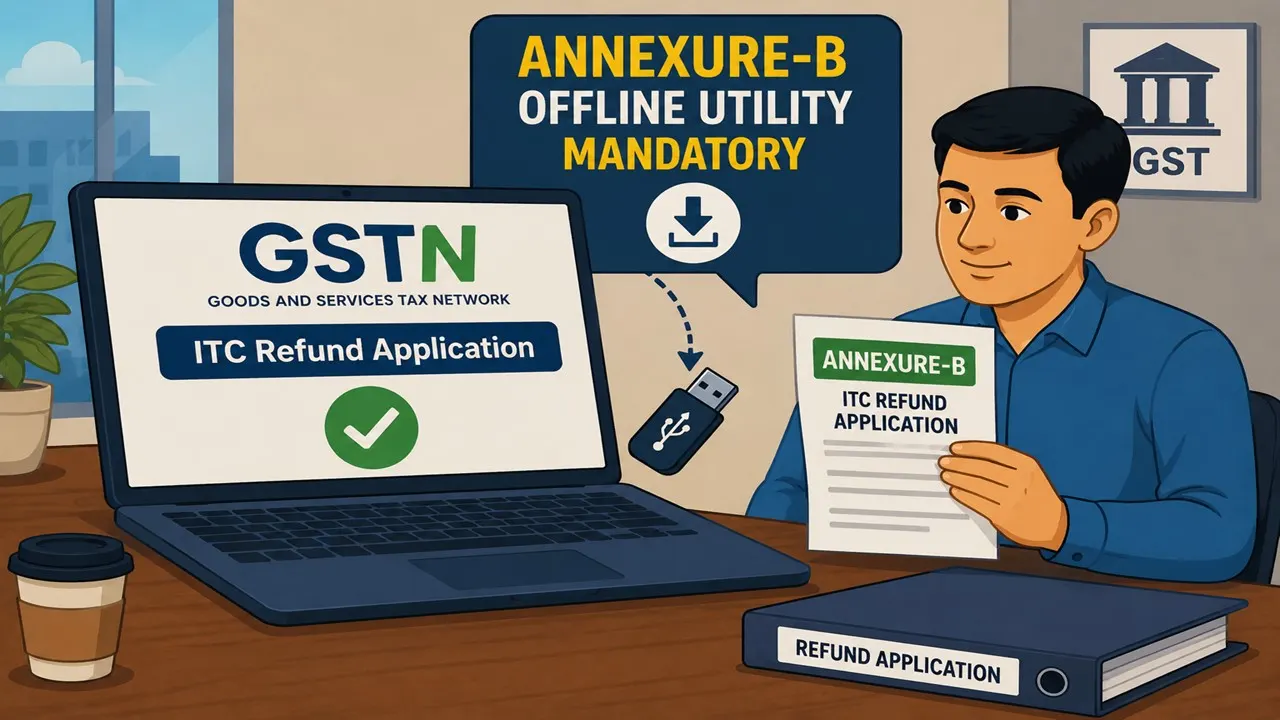
GSTN made it mandatory to use a standardized Annexure-B offline utility on the GST portal for filing accumulated ITC refund claims.
GSTN Updates Annexure-B Filing for ITC Refunds
 Vanshika verma
 May 19, 2026
Table of Contents

GSTN Adds Mandatory Annexure-B Offline Utility for ITC Refund Applications
On May 18, 2026, the Goods and Services Tax Network (GSTN) shared an update about filing Annexure-B for refund claims of accumulated ITC using the offline tool on the GST portal.
Until now, taxpayers who were filing refund applications under certain categories involving accumulated Input Tax Credit (ITC) were required to upload Annexure-B in PDF format, as per the existing guidelines.
To make the refund process more automated and to allow system-based verification of invoices and other documents, a standardised Annexure-B Offline Utility has now been introduced on the portal.
From now onwards, to ensure uniformity and smooth processing, taxpayers must submit Annexure-B only through this prescribed offline utility.
GSTN further advised taxpayers to carefully follow the new instructions while filing refund applications under the specified categories where the refund is claimed due to accumulated input tax credit (ITC).
Requirement
Annexure-B must now be submitted using an offline utility for certain types of refund claims. This requirement applies to refunds for exports of goods or services made without payment of tax, supplies made to SEZ units or SEZ developers without payment of tax, refunds due to an inverted tax structure under Section 54(3), and the export of electricity without payment of tax.Offline Utility
To make this process easier, an Excel-based offline utility has been introduced. Taxpayers must enter invoice-wise details of inward supplies for which they are claiming a refund. The details must be reported HSN/SAC-wise. For every line item, all required details must be filled in based on the HSN/SAC code and category mentioned. This includes taxable value, tax amount, and whether the ITC is blocked under Section 17(5) of the CGST Act or not. A maximum of 10,000 entries can be entered in one offline utility file. If the number of entries exceeds 10,000, multiple offline utility files should be used.Structure
The Annexure-B offline utility has two main tables.- Table 1 is for entering reversal details.
- Table 2 is for entering HSN/SAC-wise inward invoice details for which ITC has been claimed in GSTR-3B.
Invoices with Multiple Categories / HSN-SAC Codes
If one invoice contains different types of supplies, such as Inputs, Input Services, or Capital Goods or different HSN/SAC codes:- You should split that invoice into different line items in the offline utility.
- Every line item should contain only one type of supply and one HSN/SAC code.
Duplicate Document Validation
The system looks for duplicate entries using details such as Supplier GSTIN, Invoice Number, Invoice Date, Type of Supply, and HSN/SAC code.- If all these details match, you must enter only one line item.
- If you enter more than one line with the same details, the system will not accept them.
Reporting of ITC Reversals
ITC reversals must be reported correctly. Reversals under Rules 38, 42, 43, and Section 17(5) should match the figures reported in that month’s GSTR-3B. Other reversals shown in Table 4(B)(2) of GSTR-3B must also be reported. If using multiple utility files, enter reversal amounts only in the final file. The system will calculate the total Net ITC after all files are uploaded, so make sure to always review the final summary before submitting.
Uploading Annexure-B JSON File
After generating the Annexure-B JSON file, upload it to the RFD-01 page by clicking on "Upload the Statement of invoices (Unutilised ITC)".Validation After Upload
Uploaded invoices are compared with GSTR-2B to check if they are available there or not.- For invoices up to October 2024, the system will not check them with GSTR-2B. You can still upload them. A message will show that they are not validated, but this is normal and not an error.
- For invoices from November 2024 onwards, the system will check them with GSTR-2B. If there is any mismatch, it will be shown in the Invalid Documents Report.
Important Points for Using the Offline Utility
Copy-paste is allowed for dropdown values, but the pasted value must exactly match the dropdown. Do not paste into protected fields. Make sure any older version of the utility is closed before using the new one. Avoid extra spaces while entering data. Do not edit the JSON file after it is generated. If changes are needed, edit in the utility and create a new JSON file. Also, do not rename the JSON file.Line-Item Limit
You can enter up to 10,000 line items in one file and upload up to 25 files (maximum 2,50,000 line items per refund application). If you have more than 2,50,000 line items, upload up to the limit through the utility and submit the remaining invoices as PDF documents. Improvements for handling larger data are being planned. Taxpayers should carefully enter correct details in the offline utility to avoid delays and ensure smooth refund processing.About Author


Vanshika verma
Content Writer
Vanshika Verma is a Content Writer with 1+ year of experience at Studycafe.in. A B.Com graduate from Delhi University, She writes articles on Finance, Tax, ICAI, GST, and the latest financial news, with a focus on making complex topics easy for readers and professionals.
Vanshika Verma is a Content Writer with 1+ year of experience at Studycafe.in. A B.Com graduate from Delhi University, She writes articles on Finance, Tax, ICAI, GST, and the latest financial news, with a focus on making complex topics easy for readers and professionals.
 Studycafe
 Delhi, Delhi, India
 2103
2103My Recent Articles
- Income Tax Department Suspects Rs 5,121 Crore Tax Evasion in Uttar Pradesh After Examining Over 26,000 Property Registration Documents
- Kalpataru Properties Gets Rs 73.85 Crore GST Notice, Says No Material Impact Expected
- Amara Raja Energy And Mobility Faces Rs 1.89 Crore GST Demand as Meerut Appellate Authority Upholds Earlier Tax Order
- Taj Hotels Operator IHCL Fined Rs 10 Lakh by BMC for Alleged Failure to Obtain NOC for Building Plan Approval
- Centre Hikes Windfall Tax on Petrol Exports to Rs 2.5 per Litre, Cuts Diesel Export Duty to Rs 8.5
Up Next
Loading suggestions…


Recent Posts


All Posts


Tags
Recent Posts
All Posts