GSTN Releases Advisory and FAQ on Electronic ITC Reversal, Reclaim Ledger and RCM Statement:
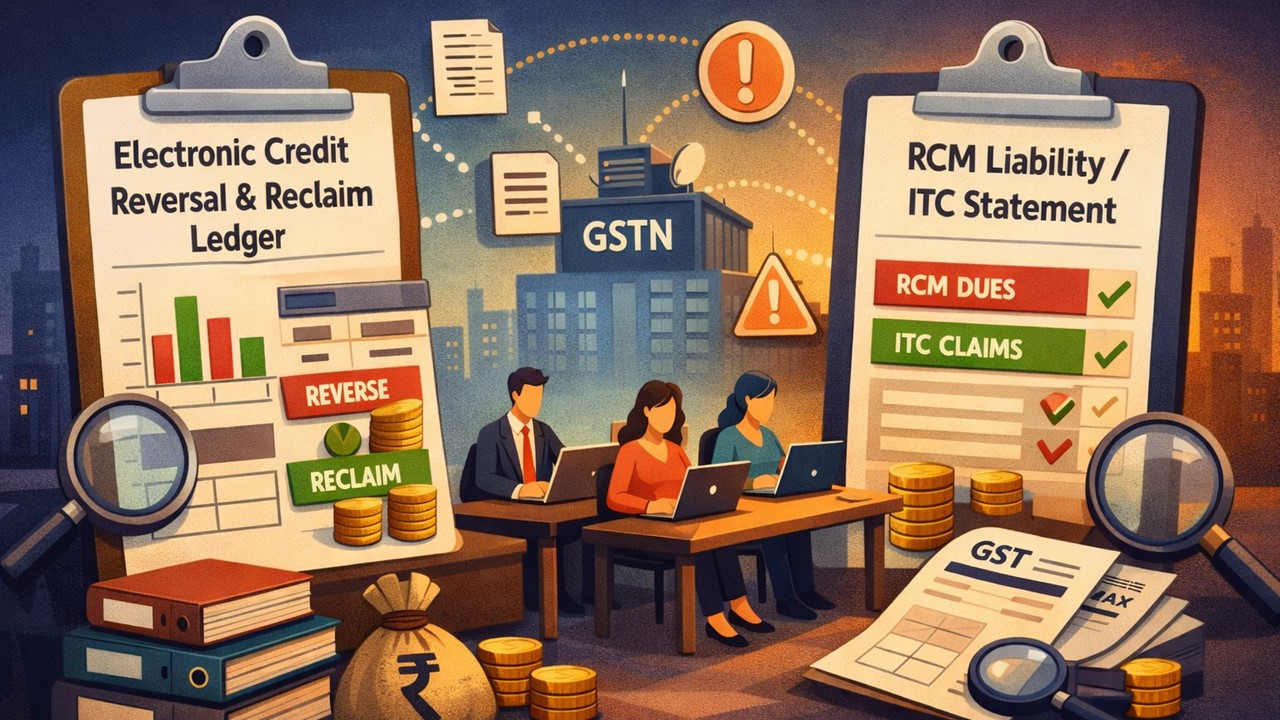
GSTN has issued a new advisory and FAQs explaining the Electronic Credit Reversal and Reclaim Ledger and RCM Liability/ITC Statement to ensure accurate ITC reporting and compliance.
GSTN Clarifies Reclaim Ledger and RCM ITC with New Advisory and FAQs
 Saloni Kumari
 Dec 29, 2025
GSTN Releases Advisory and FAQ on Electronic ITC Reversal, Reclaim Ledger and RCM Statement
The Goods and Services Tax Network (GSTN) has recently issued an advisory dated December 29, 2025, and FAQs (Frequently Asked Questions) regarding Electronic Credit Reversal and Reclaimed Statement and RCM Liability/ITC Statement.
The GST department had introduced Electronic Credit Reversal and Reclaimed Statement (Reclaim Ledger) on its portal, effective from the August 2023 return period for monthly taxpayers and effective from the July-September 2023 quarter for quarterly taxpayers. This was done to make sure there was correct and accurate reporting of reversed and reclaimed ITC and to avoid clerical mistakes.
This Reclaim Ledger shows the Input Tax Credit (ITC) that was temporarily reversed in Table 4(B)(2) and later reclaimed in Table 4(A)(5) and Table 4(D)(1).
Right now, taxpayers are sent a warning message if they try to reclaim more excess ITC (Input Tax Credit) in table 4D(1) than the available ITC reversal balance; on the other hand, they are also allowed to furnish GSTR-3B.
Taxpayers were given several chances to declare their opening balance of ITC that was reversed earlier but not reclaimed at that time, so that it could be properly shown in the newly introduced Reclaim Ledger.
Taxpayers can review this statement by following the pathway: Dashboard › Services › Ledger › Electronic Credit Reversal and Reclaimed.
FAQs (Frequently Asked Questions)
Question 1: How to view my Electronic Credit Reversal and Re-claimed Statement?
- Answer: Electronic Credit Reversal and Re-claimed Statement can be viewed by following: Dashboard › Services › Ledger › Electronic Credit Reversal and Re-claimed.
- Answer: RCM Liability/ITC Statement can be viewed by following: Dashboard › Services › Ledger › RCM Liability/ITC Statement.
About Author


Saloni Kumari
Content Writer
Saloni is a Content Writer with 2+ years of experience at studycafe.in. She writes legal, taxation, and finance related content including GST, Income Tax etc. Skilled in translating complex judicial pronouncements and regulatory developments into clear, and reader-friendly articles. Experienced in covering judgements of ITAT, High Court, GSTAT, and news related to Income Tax, GST, and corporate law. She can be reached at [email protected].
Saloni is a Content Writer with 2+ years of experience at studycafe.in. She writes legal, taxation, and finance related content including GST, Income Tax etc. Skilled in translating complex judicial pronouncements and regulatory developments into clear, and reader-friendly articles. Experienced in covering judgements of ITAT, High Court, GSTAT, and news related to Income Tax, GST, and corporate law. She can be reached at [email protected].
 StudyCafe
 Delhi, Delhi, India
 2924
2924My Recent Articles
- Major Relief in Arbitration Case: MCIA Denies Rs 908 Crore Statement Claim Made by Allied Silica Against Tata Chemicals
- MCA and ICSI to Hold User Awareness Session on Form AOC-4 Filing Amid Glitches on MCA-21 Version-3 Portal
- GSTN Introduces New E-Invoicing Facility for Self-Invoices Under Reverse Charge Mechanism
- Flexi Cap vs Multi Cap Funds: What's the Real Difference?
- IBA Recommends Public Sector Banks to Reduce Ambit of Physical Branch Audits to 50% of Total Business
Up Next
Loading suggestions…


Recent Posts


All Posts


Recent Posts
All Posts