GSTN Issues New Advisory on Mandatory Bank Account Submission Under Rule 10A:
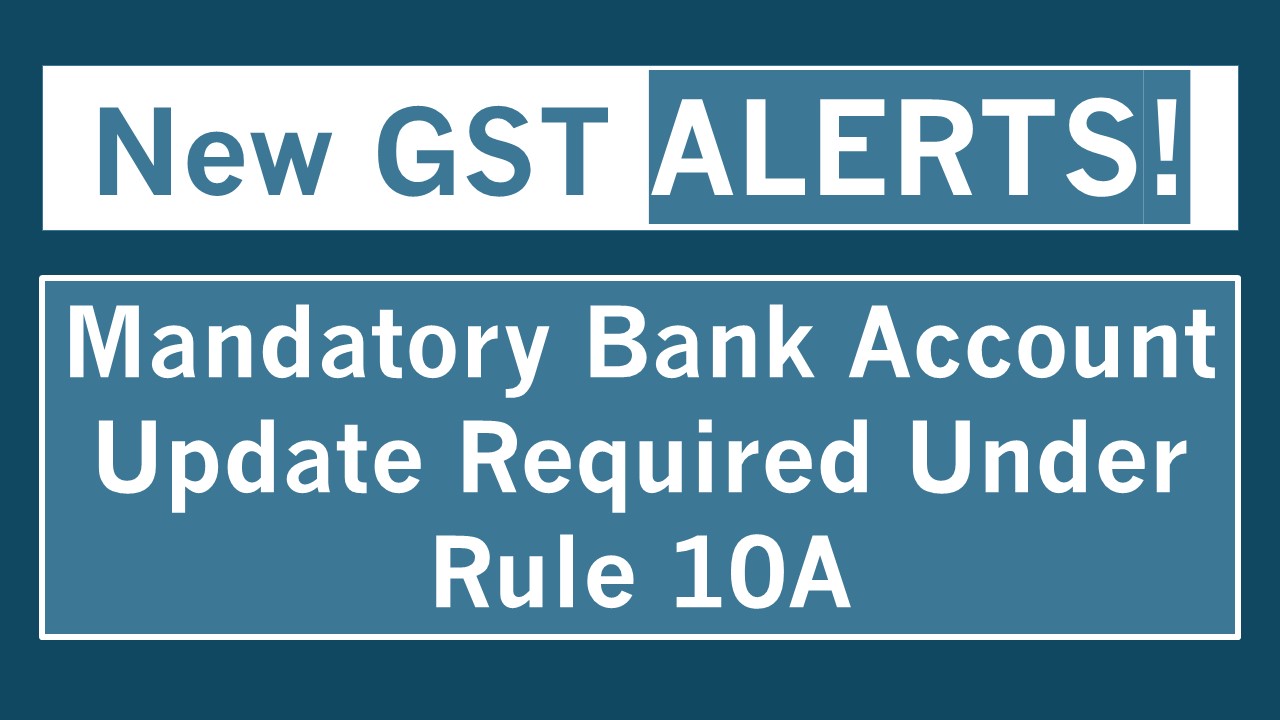
GSTN has issued a new advisory making it mandatory for taxpayers to submit their bank account details under Rule 10A, with strict consequences.
New Advisory on Bank Account Submission
 Vanshika verma
 Nov 21, 2025
GSTN Issues New Advisory on Mandatory Bank Account Submission Under Rule 10A
The GST Network (GSTN) recently issued a fresh advisory on November 20, 2025 related mandatory submission of bank account details under Rule 10A of the CGST Rules, 2017. This requirement applies to all taxpayers except TCS/TDS registrants and those registered through suo moto registration.
What do you mean by Rule 10A of the CGST Rules?
Rule 10A of the Central Goods and Services Tax (CGST) Rules, 2017, mandates that all newly registered taxpayers must furnish their bank account details on the common portal within a specific timeframe after receiving their GST registration certificate.
You must submit this within 30 days from the date you registered, or before you file your GSTR-1 or IFF, whichever happens earlier. In other words, if you file GSTR-1/IFF before the 30 days are over, then you must submit it before filing those returns. If not, then you must submit it within the 30-day deadline.
Who must comply?
- This rule applies to all GST-registered taxpayers, except a few specific categories.
- People who deduct TDS under GST (Section 51)
- People who collect TCS under GST (Section 52)
- Taxpayers who were registered by the department on their own (called suo moto registration under Section 62)
- You won’t be able to file your GST returns.
- You won’t be able to generate e-way bills.
- You cannot legally make outward supplies (sell goods or provide services).
- The department may even start cancellation of your GST registration.
- GST registrations are taken without genuine business activity.
- No bank account is linked to the GSTIN.
- Fake invoices are issued before verification.
- Businesses claim refunds without authentic banking trails.

About Author


Vanshika verma
Content Writer
Vanshika Verma is a Content Writer with 1+ year of experience at Studycafe.in. A B.Com graduate from Delhi University, She writes articles on Finance, Tax, ICAI, GST, and the latest financial news, with a focus on making complex topics easy for readers and professionals.
Vanshika Verma is a Content Writer with 1+ year of experience at Studycafe.in. A B.Com graduate from Delhi University, She writes articles on Finance, Tax, ICAI, GST, and the latest financial news, with a focus on making complex topics easy for readers and professionals.
 Studycafe
 Delhi, Delhi, India
 2096
2096My Recent Articles
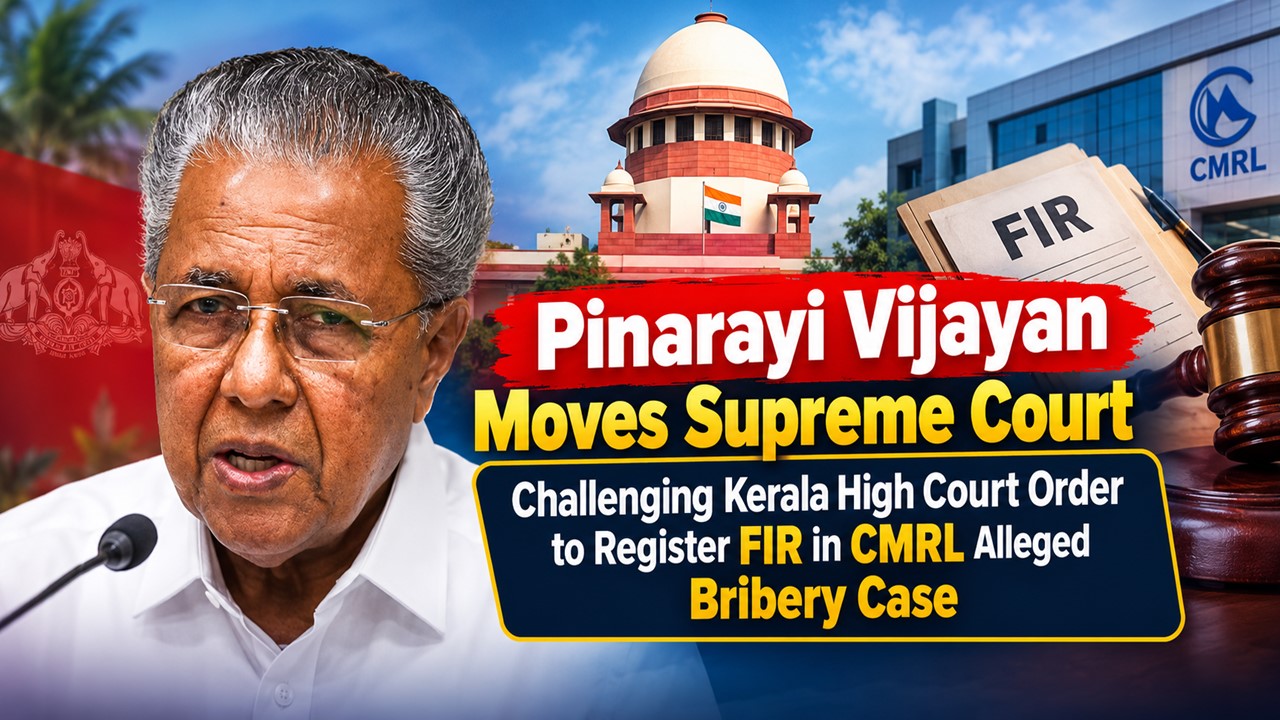
- Pinarayi Vijayan Moves Supreme Court Challenging Kerala High Court Order to Register FIR in CMRL Alleged Bribery Case
- CBI Lays Trap in Srinagar, Arrests SMC Ward Officer Red-Handed While Allegedly Accepting Rs 10,000 Bribe
- NIIT Limited Discloses Income Tax Department’s Appeal Before Delhi ITAT, Says No Adverse Financial Impact Expected
- Fake WhatsApp Boss Dupes Company Accountant of Rs 40 Lakh; Surat Police Arrest Haryana Man in Cyber Fraud Case
- Uttarakhand Tax Department Detects Rs 2.5 Crore Tax Evasion at Ramnagar Resort
Up Next
Loading suggestions…


Recent Posts
All Posts

Tags
Recent Posts
All Posts