Income Tax Department Warns of Refund Scam: Red flags, Reporting Steps and Safety Tips:
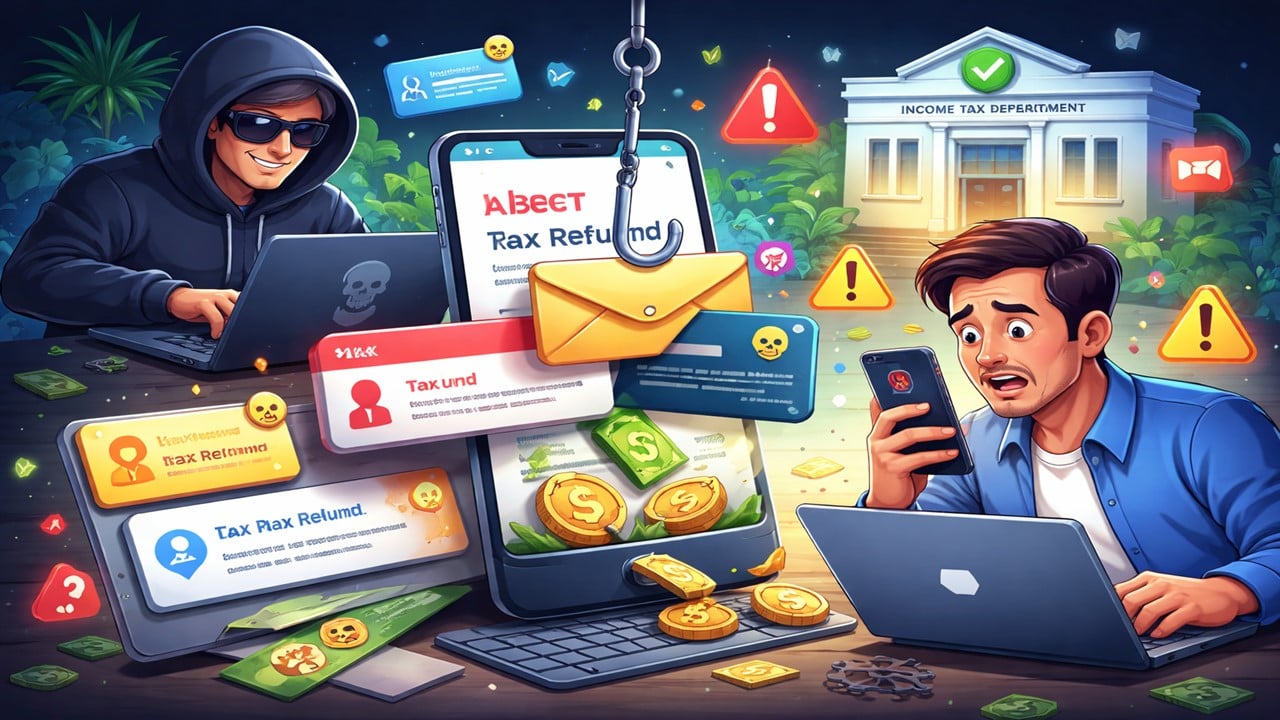
Scammers are sending fake tax refund alerts to steal bank details; learn how to identify fraud messages and protect your money.
Rs 1.5 Lakh Lost in Fake Tax Refund Scam
 Vanshika verma
 Feb 25, 2026
Table of Contents

Income Tax Department Warns of Refund Scam: Red flags, Reporting Steps and Safety Tips
Recently, the Income Tax Department alerted people regarding a new tax refund scam. The department said that, in this scam, fraudsters send messages or emails saying that your income tax refund is delayed and ask you to click a link to fix the issue. When you click the link, you may be taken to a fake website that looks real and be asked to enter your bank details or other personal information. And once someone shares this information, scammers can steal money from your bank account. A user on social media 'X' also shared a case where a person lost Rs. 1.5 lakh after trusting such a fake message.
Let’s look at the process for reporting such messages to the Income Tax Department:
How Scammers Trick People with Fake Tax Refunds
The Income tax department says that there are some clear warning signs. For example, messages that create urgency, such as "refund will be cancelled today", links that don’t look like official government websites, requests for OTP or bankdetails, and spelling or grammar mistakes. The Income Tax Department never asks for sensitive information through SMS, WhatsApp, or email links. Apart from this, the Income Tax Department has also warned people about fake messages. For example: "Dear taxpayer, your refund is pending. Click now to avoid penalty: http://incometax-refund-claim.xyz." These messages often use words like "Refund Pending", "Click Now", "Urgent Action Required", or "Important Alert.. submit a request to receive your unpaid tax refund” to scare people and make them click on the link.How to Report Suspicious or Fake Messages?
If you receive any suspicious message, you should report it at the following: Email: [email protected] Mark a Copy: [email protected] In case of any assistance or guidance, you can also contact the helpline numbers 1800 103 0025 or 080-46122000.How to Check Tax Refund Status on E-filing portal
Step 1: Visit the e-filing portal at incometax.gov.in and login using your ID and password. Step 2: Go to e-File tab, then Income Tax Returns, followed by View Filed returns. Step 3: Select your relevant Assessment Year to see the refund status. Step 4: Lastly, click on 'view details' to check the complete lifecycle of your filed ITR and track processing stages.About Author


Vanshika verma
Content Writer
Vanshika Verma is a Content Writer with 1+ year of experience at Studycafe.in. A B.Com graduate from Delhi University, She writes articles on Finance, Tax, ICAI, GST, and the latest financial news, with a focus on making complex topics easy for readers and professionals.
Vanshika Verma is a Content Writer with 1+ year of experience at Studycafe.in. A B.Com graduate from Delhi University, She writes articles on Finance, Tax, ICAI, GST, and the latest financial news, with a focus on making complex topics easy for readers and professionals.
 Studycafe
 Delhi, Delhi, India
 2028
2028My Recent Articles
- Rakul Preet Singh Breaks Silence on Income Tax Searches, Denies Any Link to Probe and Calls Reports False And Speculative
- CBI Court Jails Ex-Bank Manager 7 Years in Rs 3.61 Crore Loan Fraud Case
- Income Tax Department Imposes Rs 57.74 Crore Penalties on Emcure Pharmaceuticals for Seven Financial Years
- ICAI Releases Revised Handbook on E-Way Bill Under GST, Covering Latest Legal Changes, Portal Updates and Key Judicial Decisions
- CBI Arrests 5 in Mumbai Bribery Case After CPWD Engineer Allegedly Demanded Rs 70 Lakh for Wadala Land NOC
Up Next
Loading suggestions…


Recent Posts

All Posts


Recent Posts
All Posts